
Best ethernet cable for gaming usually means one thing: stable, low-jitter performance you never have to think about, even when your Wi‑Fi starts acting up mid-match.
Cat 7 vs Cat 8 sounds like a big upgrade decision, but in most U.S. homes the “best” choice depends less on the category number and more on distance, interference, and whether your gear can actually use the extra headroom.
This guide breaks down what changes between Cat 7 and Cat 8 in plain English, what matters for ping and packet loss, and how to buy a cable that lasts longer than your current router.
What gamers actually need from an Ethernet cable
In real gaming setups, Ethernet doesn’t “lower ping” by magic, it mainly removes the chaos: fewer spikes, fewer retransmits, fewer moments where your character rubber-bands for no obvious reason.
- Consistency over peak speed: most games use tiny amounts of bandwidth, but they hate unstable delivery.
- Low interference risk: long runs near power cables, crowded apartments, and messy cable bundles can add noise.
- Correct connectors: a good cable with bad terminations still behaves like a bad cable.
- Reasonable headroom: enough spec margin that small changes in your setup don’t break stability.
According to the Federal Communications Commission (FCC), interference can impact communications equipment performance, and good installation practices and quality components help reduce issues in typical environments.
Cat 7 vs Cat 8: the practical differences (not marketing)
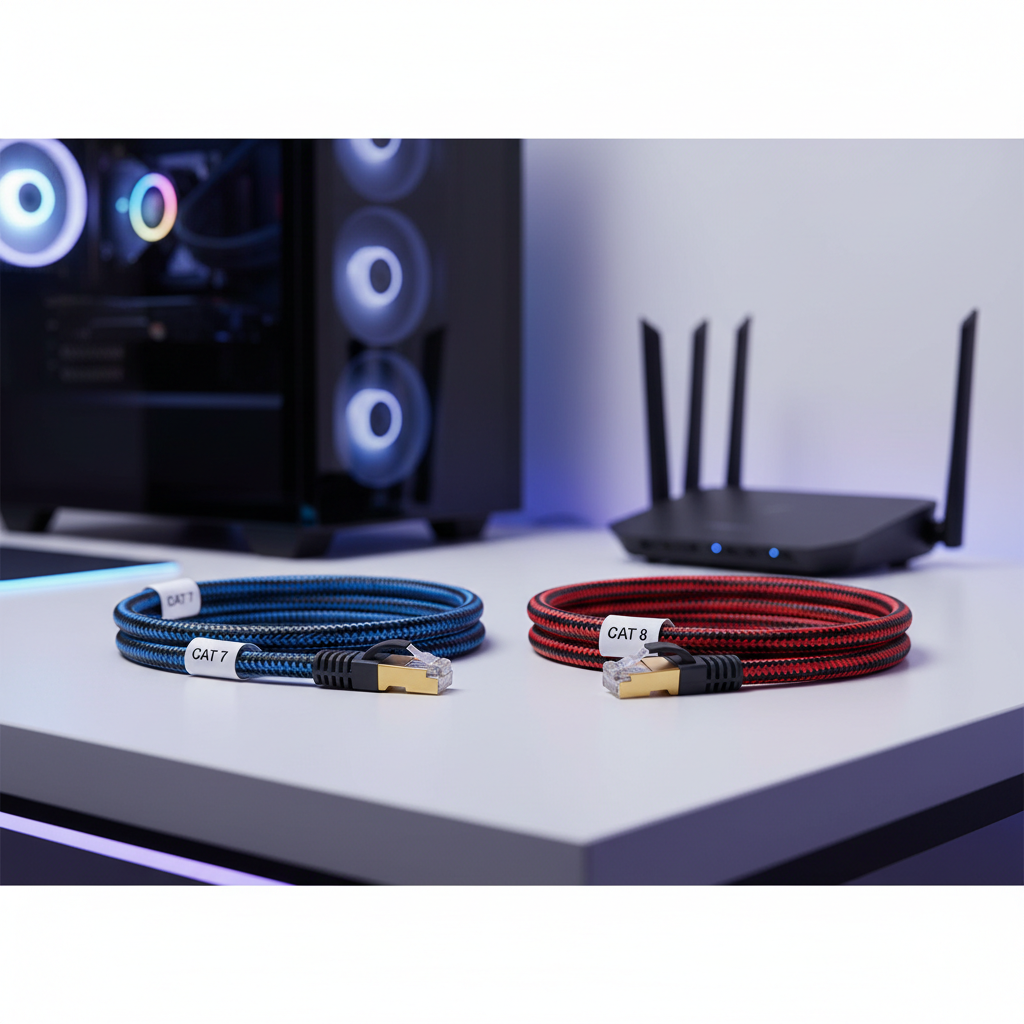
Here’s the honest framing: Cat 8 is built for short, very high-speed links (think racks and switches), while Cat 7 is often positioned as “premium home Ethernet.” For gaming, both can be excellent, but the extra Cat 8 spec often goes unused.
Spec differences that can matter
- Frequency rating: Cat 8 is rated much higher than Cat 7, which can help with noise margin, mostly on short runs.
- Intended distance: Cat 8 is typically designed for shorter channel lengths; Cat 7 is more flexible for longer home runs.
- Shielding: many Cat 7/Cat 8 cables are shielded; shielding helps in noisy environments, but only if grounded properly through your equipment.
- Connectors: in the U.S., you’ll almost always want RJ45 ends for consumer routers, switches, consoles, and PCs. Some “Cat 7” listings get weird about connector types, so double-check.
If your internet is 300–1000 Mbps and your devices are 1GbE or 2.5GbE, you’re typically shopping for stability and build quality, not raw category.
Quick decision table: what to buy for common gaming setups
If you just want a clean answer without overthinking, use this as a starting point, then sanity-check length and routing.
| Setup | What usually makes sense | Why |
|---|---|---|
| Console/PC to router, under 25 ft | Cat 6 or Cat 6a | More than enough bandwidth, easy compatibility, great value |
| PC to 2.5GbE switch, 25–75 ft | Cat 6a (or quality Cat 7) | Better noise margin for longer runs, common in home networks |
| Short patch cable in a tight desk setup | Cat 8 (short length) | Thick shielding and high spec, good for short, clean patches |
| Run near power strips, adapters, or a cable mess | Shielded Cat 6a/Cat 7 | Shielding can help, but routing still matters |
How to tell if Cat 8 is worth it (and when it isn’t)
Most people asking for the best ethernet cable for gaming are trying to fix one of two problems: Wi‑Fi instability or random lag spikes. Cat 8 only helps if the cable itself is the weak link, which is less common than you’d think.
Cat 8 tends to be worth it when
- You need a very short patch cable and want a thick, durable build.
- Your setup sits in a high-noise area (lots of adapters, power bricks, dense cabling) and you’re already routing cleanly.
- You’re upgrading around 10GbE hardware for local network transfers and want the same cable for gaming too.
Cat 8 usually isn’t worth it when
- Your router, switch, or PC NIC is 1GbE and you’re just gaming online.
- You need a long run through the house and the Cat 8 option is a stiff “rope” that’s hard to route without kinks.
- The listing feels off: vague specs, no standards mention, weirdly cheap pricing for “Cat 8.”
In practice, a well-made Cat 6a can feel “better” than a sketchy Cat 8 because the terminations and copper quality tend to be the real difference.
Self-check: are you even having a cable problem?
Before buying anything, take five minutes and check the basics. A lot of “Ethernet lag” turns out to be router bufferbloat, ISP congestion, or a bad port.
- Link speed check: your device should negotiate the expected speed (1.0 Gbps or 2.5 Gbps). If it drops to 100 Mbps, suspect cable/connector/port.
- Swap test: try a known-good short cable; if problems vanish, your long cable or route is suspect.
- Port test: move to a different router/switch port, a single bad port happens.
- Path test: ping your router locally; if local latency is stable but game servers spike, the cable probably isn’t the culprit.
According to Cloudflare, latency and packet loss can be influenced by many factors across the network path, not just the local connection, so it’s smart to separate local stability from internet routing issues.
Buying checklist: what matters more than “Cat 7” or “Cat 8”
If you want the best ethernet cable for gaming without getting dragged into category hype, focus on these purchase and build details.
1) Cable type and conductor quality
- Solid copper is generally preferred, especially for longer runs.
- Avoid ambiguous listings that don’t clearly state conductor material; “CCA” (copper-clad aluminum) often shows up in bargain cables and can be less reliable over distance.
2) Shielding (UTP vs STP/FTP)
- Unshielded (UTP) works great in many homes.
- Shielded can help in noisy environments, but it’s not a free win; tight bends, crushed sections, or improper grounding can negate the benefit.
3) Length and routing realism
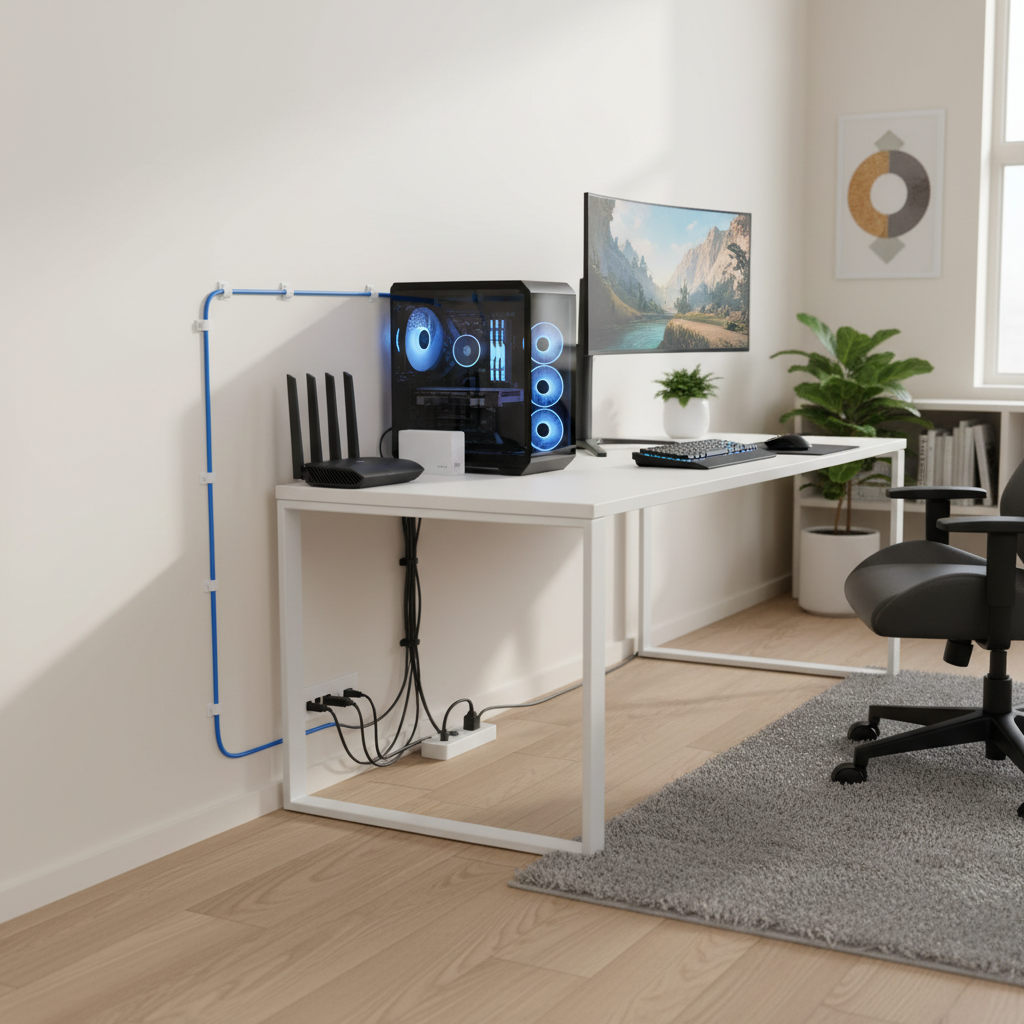
- Buy the length you need, not a coil you’ll shove behind a desk.
- Don’t run parallel to power cables for long stretches when you can avoid it, cross at angles when paths must meet.
4) Connector build
- Look for firm strain relief and snug RJ45 fit.
- Boots that are too bulky can block adjacent ports on some routers and switches, an annoying detail people discover late.
Practical setup tips to reduce lag spikes (even with a great cable)
Good cabling is step one, but lag spikes often come from the network edge. These are the tweaks that tend to move the needle in everyday gaming.
- Use a wired path end-to-end: console/PC → switch/router → modem, and avoid powerline adapters if you can.
- Enable QoS or SQM if your router supports it: this can reduce bufferbloat, which feels like “random ping jumps” under upload/download load. According to The Internet Society, congestion management and queue behavior affect latency under load, which is exactly the pain gamers notice.
- Update router firmware: stability fixes matter more than people want to admit.
- Replace suspect patch cables: the short cable between modem and router can be the hidden trouble spot.
- Avoid sharp bends: especially with thick Cat 8-style cables, bending too tightly can degrade performance over time.
Conclusion: Cat 7 vs Cat 8 for gaming in the U.S.
For most players, Cat 7 vs Cat 8 isn’t the make-or-break choice, a quality Cat 6a or reputable Cat 7 cable at the right length often delivers the smoothest result per dollar. Cat 8 makes sense when you want a short, heavy-duty patch cable or you’re building around 10GbE gear, but it’s rarely the missing piece for online matchmaking stability.
If you want one simple move today, replace any unknown or very old cable with a well-reviewed cable from a reputable brand, keep the run tidy and away from power clutter, then test local ping stability before you keep shopping.
FAQ
Is Cat 8 faster for gaming than Cat 7?
Not in a way most gamers will feel. Online games rarely use enough bandwidth to benefit from Cat 8’s higher rating, and your router/NIC speed matters more than the cable category.
What is the best ethernet cable for gaming on PS5 or Xbox?
A solid Cat 6 or Cat 6a RJ45 cable is usually the safest pick for consoles, reliable, flexible, and widely compatible. If you’re routing near lots of power bricks, a shielded option can be reasonable.
Does a higher Cat rating reduce ping?
It can reduce errors and retransmissions in noisy or poorly routed runs, which helps consistency, but it typically won’t drop your base ping to a game server, since most of that delay happens outside your home.
Should I buy a shielded Ethernet cable for gaming?
Sometimes. Shielding can help in interference-heavy setups, but it’s not mandatory for most homes, and good routing and quality terminations often matter more than extra foil.
How long can an Ethernet cable run before it affects gaming?
Many home runs are fine at typical distances, but very long or poorly installed runs can cause speed negotiation drops or intermittent errors. If you see your link fall to 100 Mbps, that’s a stronger sign than in-game lag alone.
Is “flat Ethernet cable” okay for gaming?
Some flat cables work fine, but quality varies a lot and they can be more fragile when pinched under doors or furniture. If you’re troubleshooting stability, swapping to a round, well-built cable is an easy test.
What’s the easiest way to test if my Ethernet cable is bad?
Swap in a short known-good cable and check whether link speed and stability improve. If problems only happen on the longer run, the issue is often the cable itself, the route, or a wall jack termination.
If you’re trying to pick a cable quickly and don’t want to guess, aim for the shortest practical length in Cat 6a from a reputable seller, then only step up to Cat 8 if your setup is short-run, high-noise, or you’re intentionally building around multi-gig networking.