
Best free vr games on meta quest can feel weirdly hard to pin down, not because there aren’t options, but because “free” on Quest ranges from full games to short demos to social apps that only shine if you know where to look.
If you want something you can download tonight, enjoy for more than 10 minutes, and not regret your storage space, this guide focuses on free titles that are either genuinely replayable or genuinely worth trying once.
I’m also going to call out what each game is best at, what kind of player it fits, and the small settings that make the difference between “VR is amazing” and “why am I dizzy.”
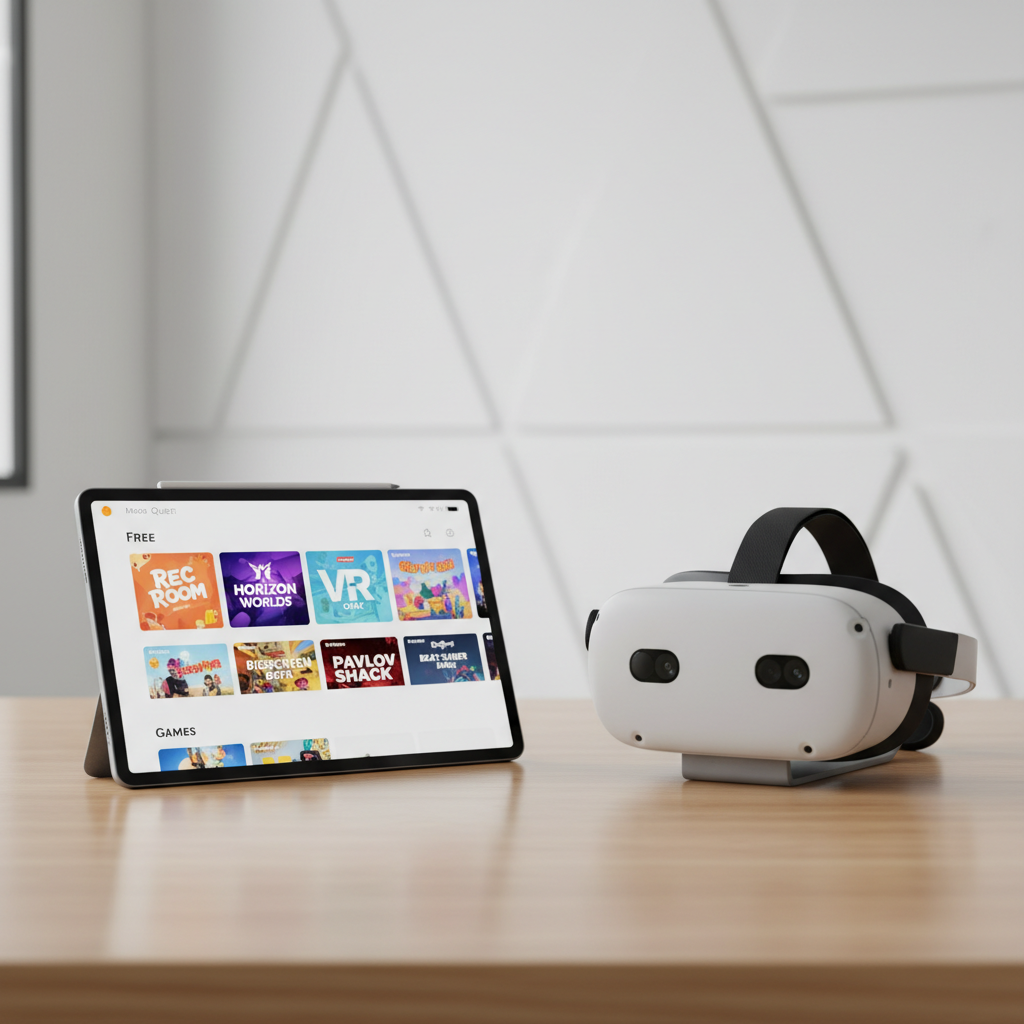
What “free” really means on Meta Quest (so you don’t waste time)
On Quest, “free” usually lands in one of these buckets, and knowing which one you’re downloading saves a lot of eye-rolling.
- Free-to-play games: core gameplay is free, monetization sits in cosmetics, battle passes, or convenience items.
- Free social platforms: experiences are “the game,” content depends on communities and user-made worlds.
- App Lab / experimental: smaller projects, sometimes brilliant, sometimes rough around the edges.
- Demos/trials: fun, but not what most people mean when they search for best free vr games on meta quest.
One more practical note, comfort varies more than quality. A great free title can still be a bad first VR session if it uses smooth locomotion and fast camera turns.
Quick picks: the best free games by vibe
If you just want a fast download decision, here are reliable “start here” choices. I’ll detail them later, but this is the shortlist I’d hand a friend.
- Competitive shooter: Population: One
- Rhythm + sweat: Beat Saber (free music packs are limited) or try free rhythm alternatives like Moon Rider (browser-based)
- Social hangout: VRChat or Rec Room
- Sports fix: Gym Class (basketball)
- Chill puzzle / tabletop: Cards & Tankards
- Creative sandbox: Horizons (availability can vary by region/account)
Key takeaway: if you’re new to Quest, start with something stationary or room-scale, then graduate to movement-heavy games once your “VR legs” show up.
A curated list of best free VR games on Meta Quest (with honest fit notes)
This section focuses on games and platforms that many Quest owners keep installed, even after the honeymoon phase.
Population: One (battle royale shooter)
Fast, vertical, and surprisingly social, you climb, glide, and shoot in a way flatscreen games can’t really copy. It’s also a good test of whether competitive VR feels fun or stressful for you.
- Best for: squads, quick matches, high replay value
- Watch-outs: smooth turning and rapid motion can bother some players
VRChat (social worlds)
VRChat is less “a game” and more a portal to mini-games, live events, comedy clubs, and chaotic avatar culture. Quality ranges wildly, so the trick is finding curated worlds and communities.
- Best for: meeting people, exploring user-made worlds
- Watch-outs: moderation varies by room, use safety settings early
Rec Room (social + mini-games)
More structured than VRChat, with built-in activities like paintball and quests. Rec Room is also one of the easiest “hand someone a headset and they get it” experiences.
- Best for: casual co-op, family-friendly options
- Watch-outs: public rooms can be noisy, private instances help
Gym Class (basketball)
If you want something that feels physical without learning complex controls, basketball is a good bet. Gym Class nails the “just one more game” loop, especially with friends.
- Best for: sports, light exercise, social matches
- Watch-outs: clear your playspace, controllers + walls is a bad combo
Cards & Tankards (tabletop card battler)
A calmer pick: sit down, learn a deck, talk trash politely. It’s more about pacing and strategy than reflexes, which makes it a nice contrast to shooters.
- Best for: seated play, low-motion comfort
- Watch-outs: progression can be grindy if you want a top-tier deck fast
Gorilla Tag (movement-heavy tag game)
This one is a phenomenon, you “run” with your arms and the skill ceiling gets high. If you like games that feel like a playground, it’s hard to beat.
- Best for: energetic play, mastery, short sessions
- Watch-outs: can be intense on shoulders, pacing matters
Hyper Dash (arena shooter, often free)
Hyper Dash has that “sports shooter” feel, lots of movement, lots of angles, and a clear competitive loop. Pricing and availability can shift, so check the store listing.
- Best for: fast arena matches
- Watch-outs: not ideal for motion-sensitive players
Meta Horizon Worlds / Horizons (social creation)
Depending on your account and region, Horizon Worlds can be a surprisingly easy way to hop into events and simple games without hunting through endless community lists.
- Best for: casual social, creator-made spaces
- Watch-outs: content depth varies by world
Comparison table: pick a free Quest game in 30 seconds
Use this like a cheat sheet. Comfort is the big filter for most beginners.
| Title | Genre | Comfort level | Best when you want… |
|---|---|---|---|
| Rec Room | Social + mini-games | High | Quick fun with friends |
| VRChat | Social worlds | Medium | Exploration and community |
| Population: One | Battle royale | Low-Medium | Competitive matches |
| Gym Class | Sports | High | Active play without complexity |
| Cards & Tankards | Card strategy | High | Chill seated sessions |
| Gorilla Tag | Movement / tag | Medium | Pure skill + chaos |
How to find more free gems (Store, App Lab, browser VR)
After you install the usual suspects, the real fun is finding smaller projects that match your tastes.
- Use filters in the Meta Quest Store: sort by price (free), then check “comfort” and locomotion notes.
- Check App Lab listings: many experimental titles live there, reviews matter more than trailers.
- Try WebXR in the Quest Browser: some surprisingly good rhythm and arcade experiences run in-browser.
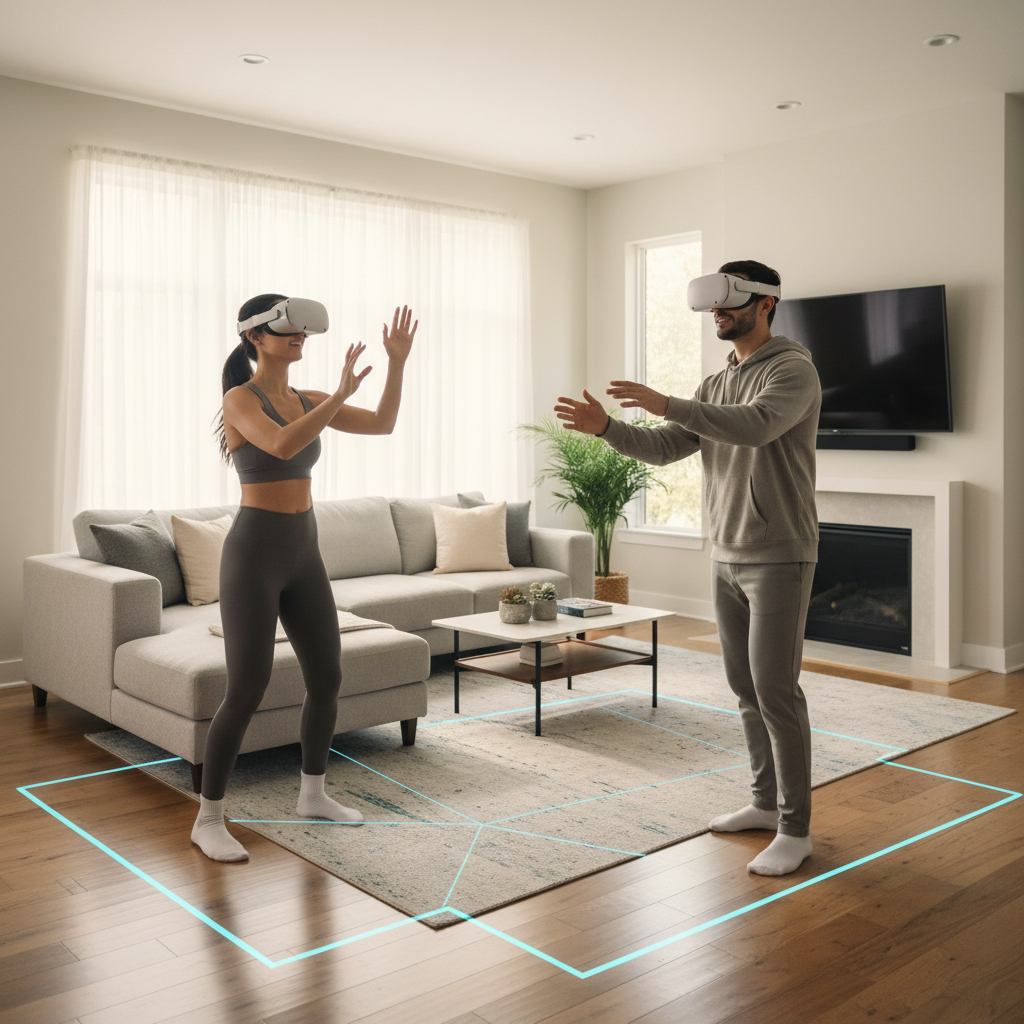
According to Meta (Meta Quest support and store documentation), comfort ratings and guardian boundary tools are meant to help players choose experiences that fit their motion tolerance and room setup, it’s worth taking those labels seriously if you’re new.
Practical setup tips to enjoy free VR longer (and feel better afterward)
People blame a game when the real issue is comfort settings, fit, or a too-small playspace.
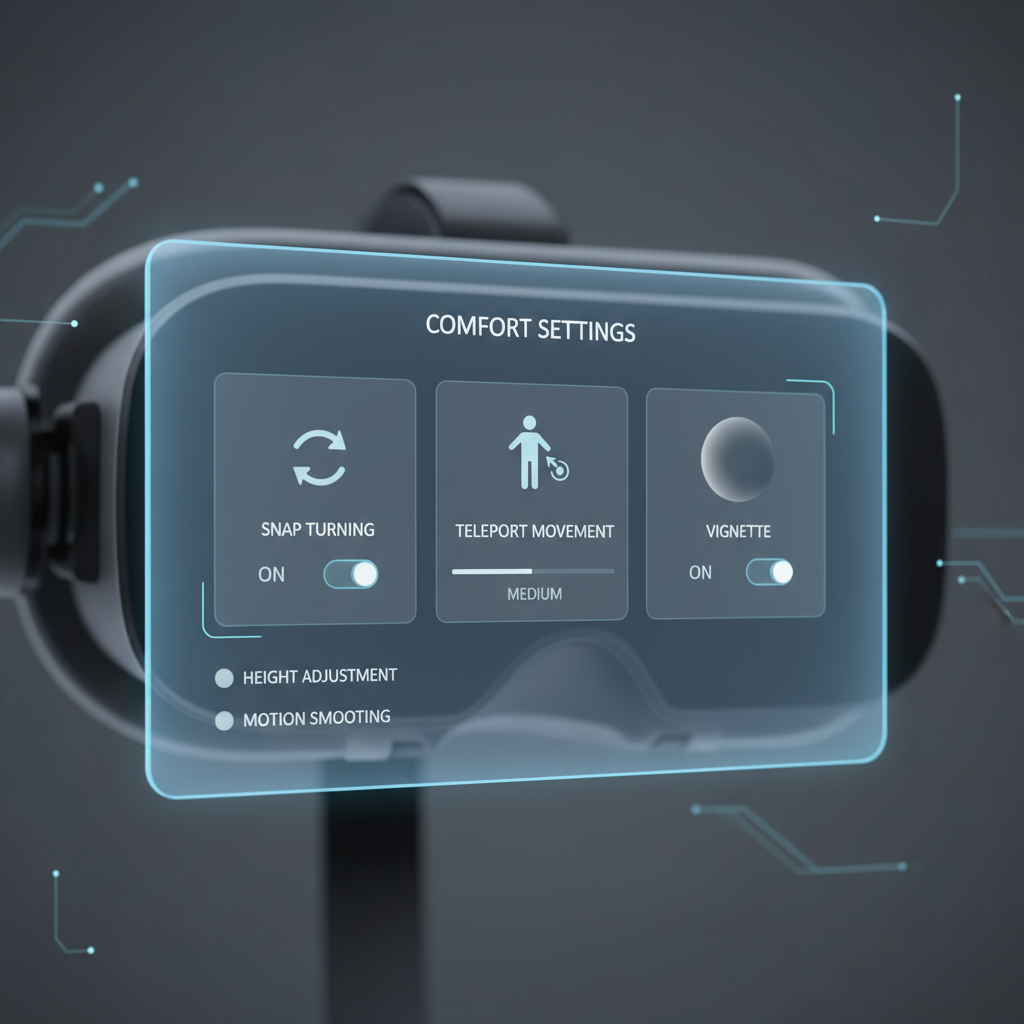
Comfort checklist (do this once, it pays off)
- Enable snap turning if smooth turning makes you uneasy.
- Use teleport when available, especially early on.
- Set your floor height correctly, it fixes weird scale issues fast.
- Tighten the headset enough to stop wobble, but not so much you get pressure points.
- Audio matters: even basic headphones can improve clarity in social apps.
If you feel nausea or headaches, take a break, hydrate, and ease back in, persistent symptoms may warrant checking with a healthcare professional because comfort varies by person and by game.
Common mistakes when hunting the best free VR games on Meta Quest
A few patterns show up all the time, especially with new owners who just unboxed the headset.
- Downloading five movement-heavy games in a row, then assuming VR “isn’t for you.” Mix in seated and room-scale options.
- Ignoring comfort settings because you want the “real” experience. Comfort features exist for a reason.
- Judging social platforms too fast. The first random lobby can be awful, a curated world list can be great.
- Confusing demos with full games. If you’re building a free library, prioritize replayable loops.
- Not checking storage. Quest fills up quickly, uninstalling and reinstalling is normal.
Conclusion: build a free Quest library you’ll actually use
The best free vr games on meta quest usually fall into two camps, games with a strong competitive or progression loop, and social platforms where the community creates the replay value, once you pick one from each camp, you’ll stop feeling like you’re “out of things to play.”
If you want a simple next step, download one comfort-friendly title for weeknights, like Rec Room or Cards & Tankards, then add one higher-motion game like Population: One when you feel ready, your hit rate improves a lot with that mix.