
best bonelab tips and tricks 2026 usually comes down to one thing, getting your setup and habits right so the physics stop fighting you and start working for you.
Bonelab feels amazing when it clicks, but it can also feel weirdly inconsistent, one session you’re nailing jumps and headshots, the next you’re dropping weapons, missing grabs, and wondering if the game changed overnight. Most of that comes from calibration, comfort settings, and how you approach physics interactions.
This guide stays practical, what to tweak first, what to practice, and what to avoid so you don’t waste time “fixing” the wrong thing. I’ll also call out where advice depends on your headset, PC, and tolerance for motion.
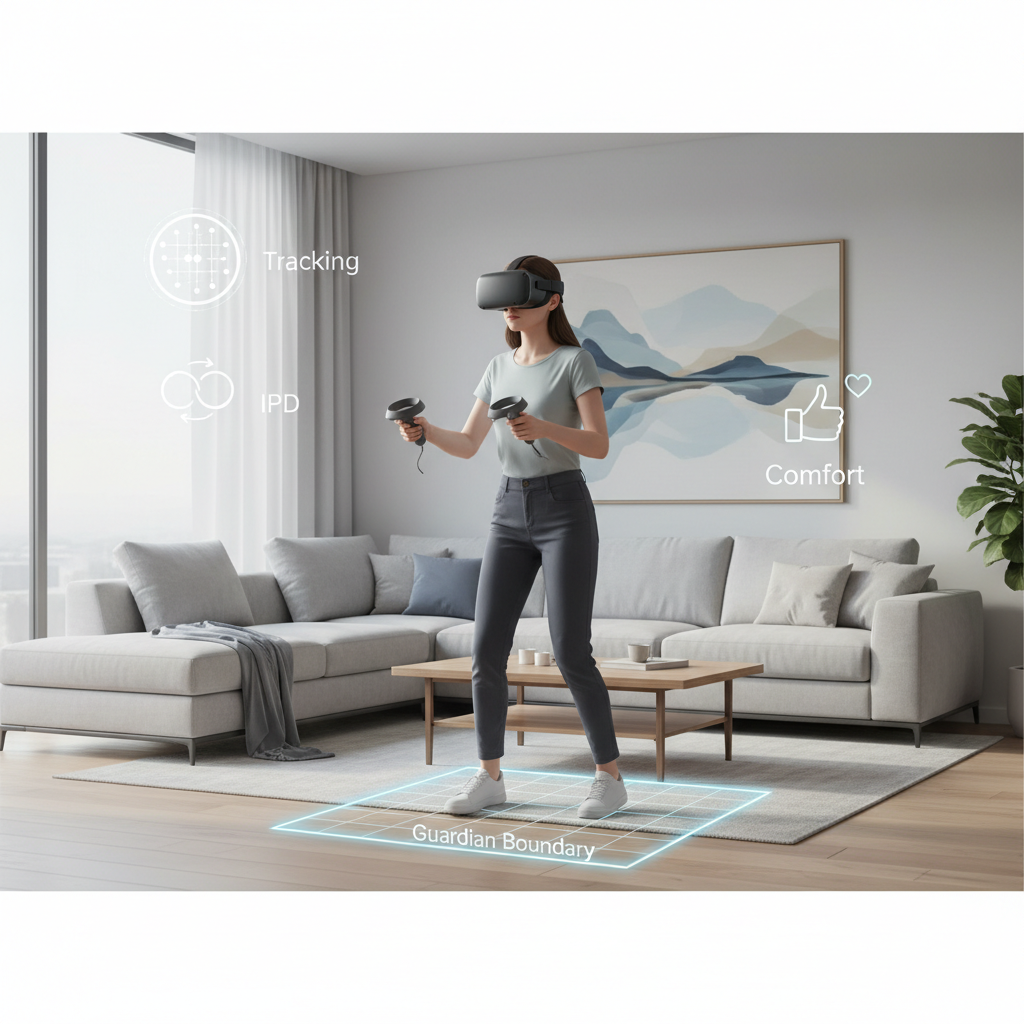
Dial in comfort and tracking before you “git gud”
If your tracking or comfort is slightly off, every combat tip becomes harder than it needs to be. This is the boring part, but it pays off fast.
Quick setup tweaks that actually matter
- Guardian/boundary size: give yourself more room than you think, tight boundaries make you hesitate and break flow mid-fight.
- Controller grip style: choose a grip option that matches how you naturally hold controllers, then stick with it for a week, constant switching resets muscle memory.
- Height calibration: redo it if climbing and crouching feel “off”, wrong height makes vaulting and holstering inconsistent.
- Turn style: smooth turn feels better for gunplay, snap turn often helps if you get motion sick, neither is “more skilled”.
According to Meta, taking regular breaks and using comfort settings can help reduce VR discomfort for many users, so if you’re pushing through nausea, you’re usually training yourself to hate the game.
Physics basics: win the grab, win the fight
Bonelab’s combat is less about twitch reactions and more about clean interactions. If you drop mags, miss holsters, or “lose” your weapon on reload, your physics habits need tightening.
Small habits that fix most frustration
- Grab with intent: move your hand to the object, pause a beat, then grip, rushing the last inch causes most whiffs.
- Use your off-hand: stabilize rifles, brace melee swings, and guide reloads, one-hand chaos looks cool but costs accuracy.
- Don’t fight collision: if your arm clips a wall, step back and reset rather than forcing the animation through geometry.
- Holster slowly once: treat holstering like docking a controller, not throwing a grenade, you’ll learn the exact “slot” faster.
A lot of “randomness” disappears once you accept that Bonelab rewards deliberate movement more than speed.
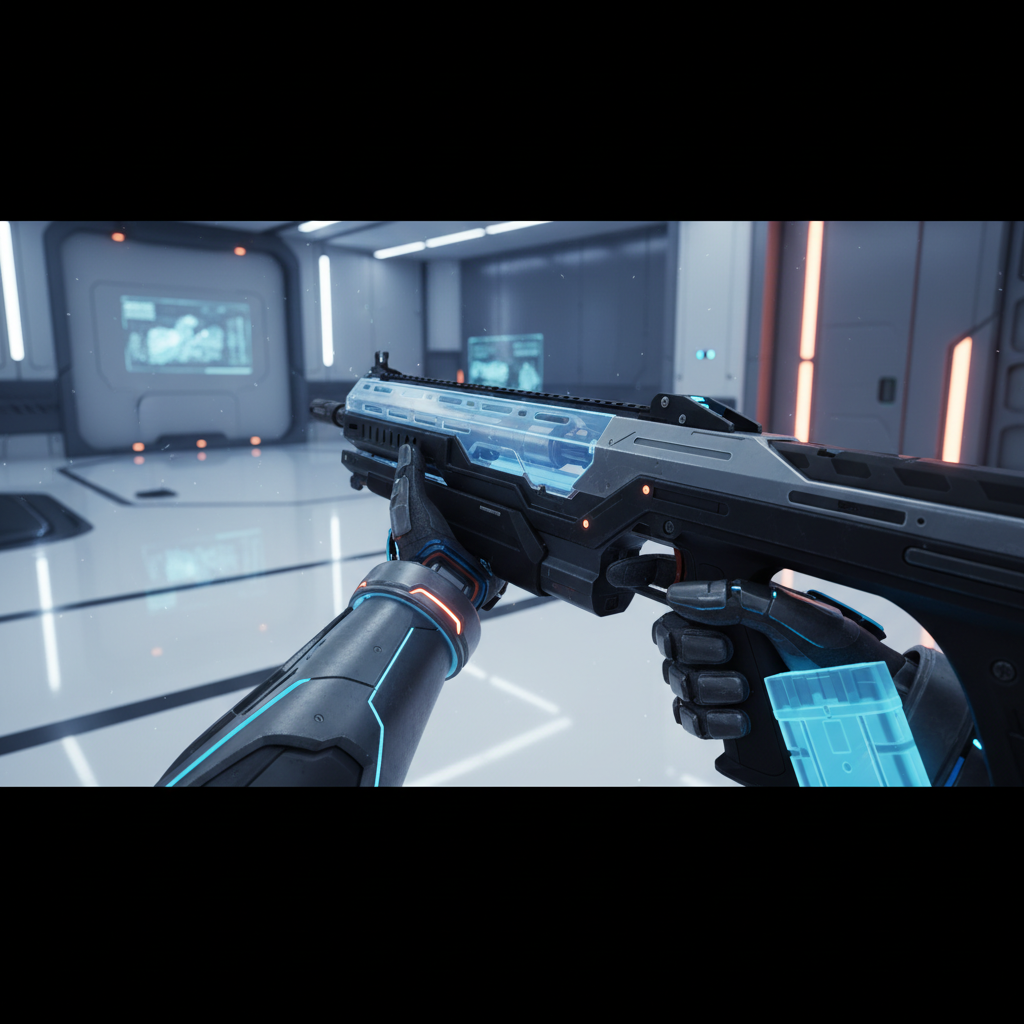
Combat tips that translate across every arena
These are the best bonelab tips and tricks 2026 players keep coming back to because they work with any loadout, any avatar, and most mod maps.
Guns: accuracy comes from stance, not stats
- Anchor your aim: lightly tuck elbows, bring sights to your eyes instead of leaning your head into the gun.
- Short bursts win: full-auto sprays often amplify tracking jitter and recoil behavior, tap and correct.
- Reload behind cover: physics reloads are slower than flat-screen reloads, so treat every reload like a decision.
Melee: stop trying to “swing harder”
- Use follow-through: start slow, accelerate through the target, then recover, whipping from the wrist tends to bounce.
- Control distance: one step back gives your swing room, too close makes the weapon collide early.
- Grab and shove: grappling can be safer than trading hits, especially in tight corridors.
Movement: pick one style and master it
- Snap turn for chaos: if fights overwhelm you, snap turning can keep your inner ear calmer.
- Smooth locomotion for flow: when comfortable, smooth movement makes kiting enemies and strafing feel more “FPS-like”.
If you feel motion discomfort, it’s worth treating it like a training load, shorter sessions, more comfort options, and stop before you feel rough. If symptoms persist, consider checking with a medical professional.
Avatar strategy: pick bodies for tasks, not vibes
Avatars aren’t just cosmetics, they’re performance profiles. Many players struggle because they pick one avatar and force it through every situation.
Try thinking like this, “What’s the job right now?” then swap.
| Goal | Avatar traits to favor | What you’ll notice |
|---|---|---|
| Gunfights and recoil control | Balanced proportions, stable handling | Less wobble, easier sight alignment |
| Climbing and traversal | Reach, grip feel, mobility | Fewer missed grabs, smoother vaults |
| Melee brawls | Weighty hits, strong shove | Better stagger, less bounce-off |
| Speedrun-style routes | Fast movement, quick recovery | Cleaner lines, fewer “stuck” moments |
One practical trick, build a small “avatar rotation” of three options, combat, traversal, and chaos, and stop overthinking the rest.
Mods in 2026: keep it fun, keep it stable
Modding is where Bonelab can feel limitless, and also where your game can start crashing or behaving strangely. The goal is not “maximum mods”, it’s a stable load order and a clean update routine.
A safe mod hygiene routine
- Add mods in batches: install a few, test, then add more, when something breaks you’ll actually know what caused it.
- Track versions: after a game update, older mods may misbehave, wait for updates or remove suspects.
- Keep a clean baseline: maintain a minimal profile with no experimental mods so you can troubleshoot fast.
According to Valve, keeping software up to date and using official distribution channels when possible reduces security risk, which is a good mindset for VR modding too, especially when you’re downloading community files.
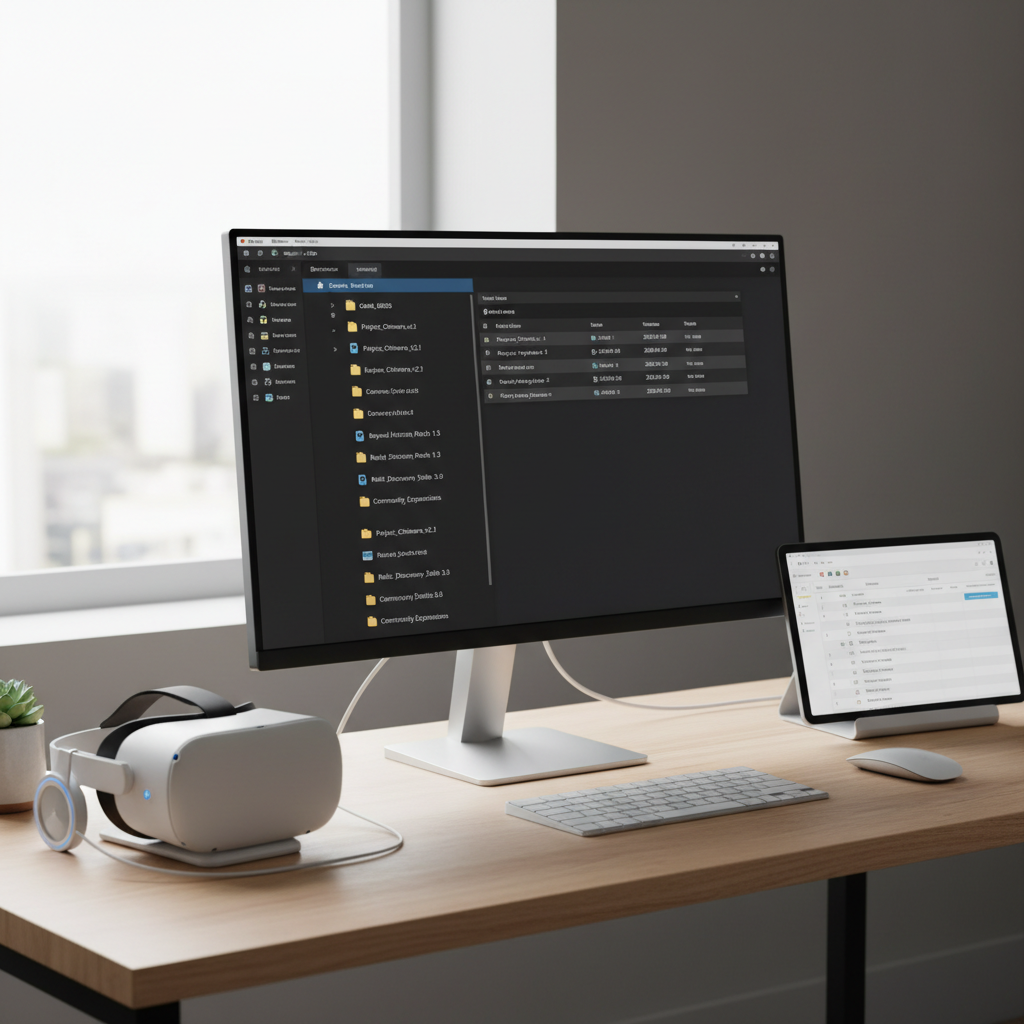
Fast troubleshooting: when Bonelab feels “wrong”
When players search best bonelab tips and tricks 2026, they’re often really asking, “Why does this feel janky on my setup?” This checklist gets you back to playable without spiraling.
Self-check list
- Tracking jitter or missed grabs, check lighting, controller batteries, and boundary setup.
- Low FPS or stutter, lower headset refresh or resolution scale, then retest before changing anything else.
- Hands feel misaligned, redo height calibration and verify your playspace floor is correct.
- Only one map acts weird, suspect that map or a conflicting mod, test with a clean profile.
Key takeaway: change one variable at a time
It’s tempting to flip ten settings at once, but then you don’t learn what fixed it, and the problem often comes back.
Practical 30-minute training plan (so tips stick)
Reading tips is easy, building consistency is the hard part. If you want a simple routine, do this twice a week for two weeks.
- 5 minutes: re-holster and draw the same weapon repeatedly, slow and clean, aim for zero drops.
- 10 minutes: two-handed firing drills, short bursts, focus on bringing sights to your eyes.
- 10 minutes: melee spacing, step in, strike, step out, avoid hitting walls and doorframes.
- 5 minutes: traversal, climb and vault with deliberate grabs, no rushing.
If anything makes you feel dizzy or unwell, shorten the session, increase comfort settings, and consider stopping for the day, pushing through usually backfires.
Conclusion: make Bonelab predictable, then make it stylish
The best improvements tend to come from unsexy fixes, comfort settings that match your body, a calm grab rhythm, and an avatar rotation that fits the task. Once the game feels predictable, you can crank the difficulty, chase flashier moves, and experiment with mods without everything falling apart.
Action idea: pick one friction point you hate most, reload drops, shaky aim, or climbing misses, and run the 30-minute plan focused on that for a week. That’s usually when Bonelab starts feeling “yours.”