
best vr movie apps 2026 usually comes down to one thing: you want a “movie night” experience in a headset, but app stores feel messy, reviews conflict, and half the options seem built for demos, not long-form watching.
This guide narrows the field in a practical way, what works well for VR films, what’s better for 2D streaming in a virtual theater, and what’s worth skipping if you care about comfort, clarity, and fewer login headaches.
I’ll also call out a few easy-to-miss details that change everything in VR video, like whether the app supports the codec your files use, how it handles subtitles, and if it can keep playback smooth when your Wi‑Fi gets moody.
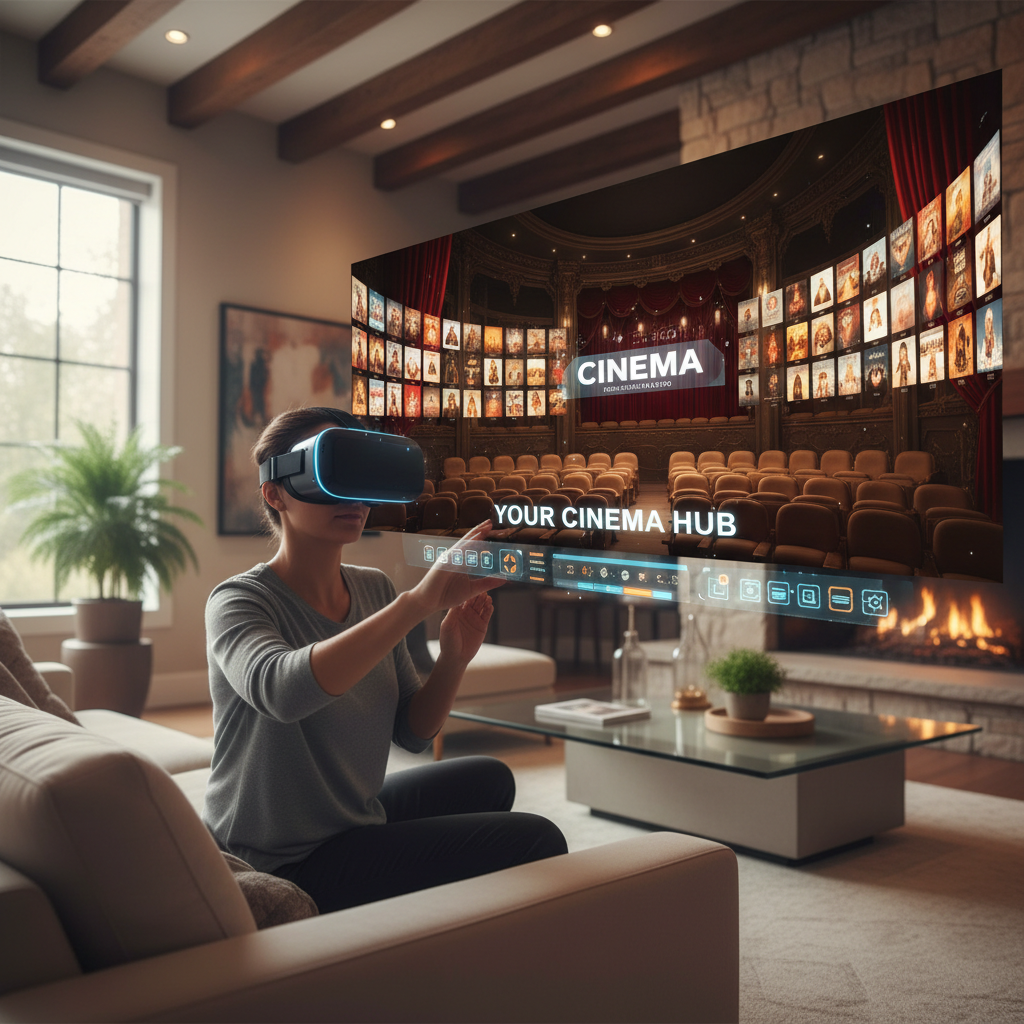
What “VR movie apps” really mean in 2026
People use the phrase VR movie apps to describe three different app types, and mixing them up is why downloads feel hit-or-miss.
- VR cinema players: You bring your own files (local or network), the app focuses on playback, codecs, subtitle options, and screen environments.
- VR streaming theaters: These are “watch 2D content on a giant screen” apps, sometimes with social rooms, sometimes just a private theater.
- Immersive film platforms: Curated libraries of 180/360 and narrative VR films, often with rentals or a subscription.
In many cases, the best experience is actually a combination: one solid file player for anything you own, plus one social theater for casual streaming with friends.
Quick comparison table: best picks by use case
If you want a fast shortlist, this table is meant to get you “close enough” before you drill into details.
| Use case | App type | What to look for | Common trade-off |
|---|---|---|---|
| Watching your own 3D/180/360 files | VR cinema player | Codec support, SMB/DLNA, subtitle controls | Setup time for network shares |
| Netflix/YouTube “big screen” vibe | VR streaming theater | Browser quality, DRM behavior, screen scaling | Some services block playback in VR browsers |
| Immersive short films and VR docs | Immersive film platform | Curated catalog, comfort options, downloads | Library depth varies month to month |
| Movie night with friends | Social theater | Low-latency rooms, easy invites, moderation tools | More permissions and account friction |
The best VR movie apps 2026: a practical shortlist
This isn’t a “100 apps” directory. These are the names that tend to come up because they map to real viewing habits.
For local playback and personal libraries: Skybox VR Video Player
Skybox is often the first recommendation because it’s straightforward and tends to handle typical home libraries well, including network streaming from a PC or NAS in many setups.
- Good fit if you have MP4/MKV files, want SMB/DLNA streaming, and care about basic subtitle support.
- Watch for codec edge cases, some files need re-encoding depending on how they were created.
For home-theater polish and deeper tweaking: Bigscreen
Bigscreen leans into the “virtual cinema” feeling, and it’s a popular option for social watching and themed environments. For 2D content in a giant theater, the vibe is hard to beat.
- Good fit if you want shared rooms, public/private lobbies, and a strong theater aesthetic.
- Watch for streaming service compatibility, DRM rules can change what plays in-app.
For immersive film discovery: Meta Quest TV and curated VR film hubs
If you’re browsing for short immersive pieces, headset-native hubs can be the lowest-friction option because downloads, playback, and comfort settings often live in one place.
- Good fit if you want curated VR films and documentaries without file management.
- Watch for catalog depth, which can vary by region and over time.
For browser-based streaming in VR: Wolvic (and other VR browsers)
When you want “whatever the web can play,” a VR-first browser can be surprisingly useful. It’s also where many people start when a dedicated app doesn’t exist.
- Good fit if you rely on web players, rentals, or niche platforms.
- Watch for DRM restrictions and resolution caps that differ by service.
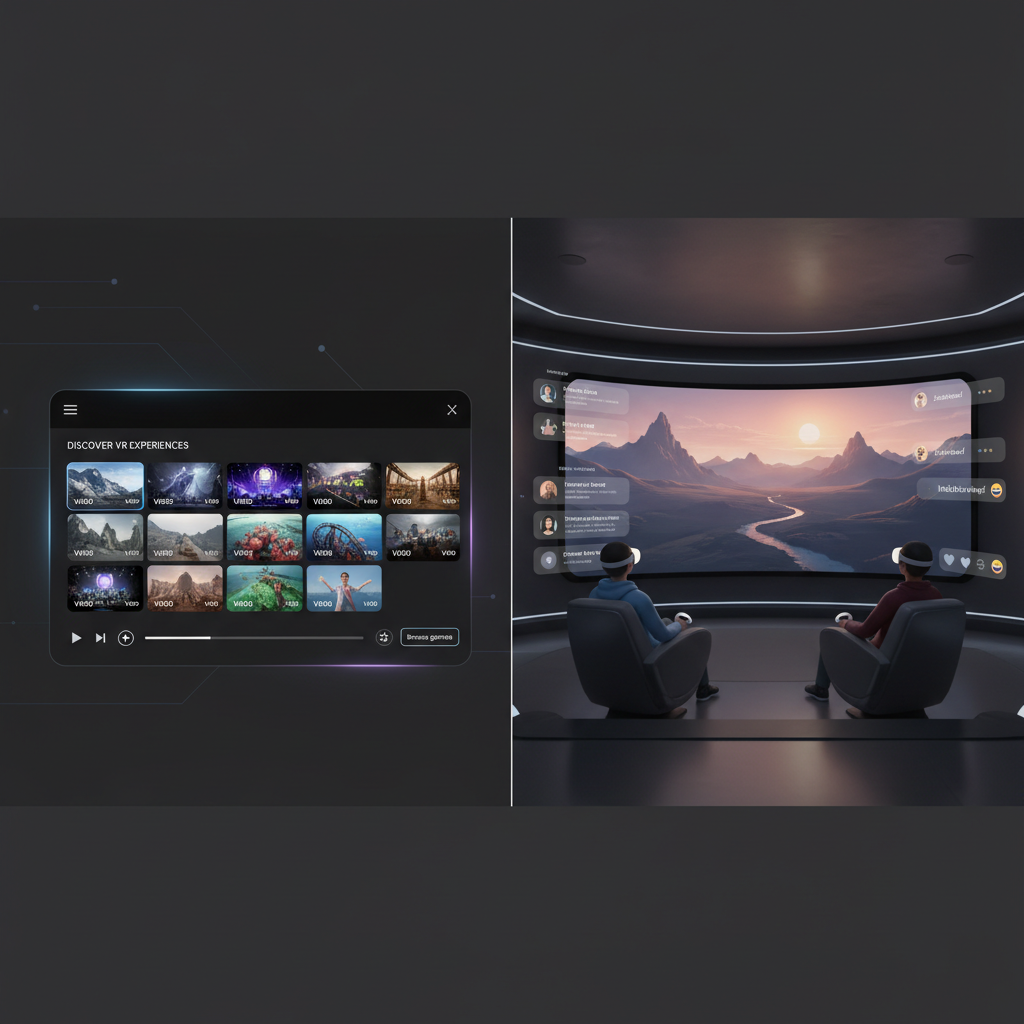
How to choose: 7 checkpoints that actually matter
App store descriptions rarely tell you the painful parts. These checkpoints save time, especially if you’re comparing the best vr movie apps 2026 across different headsets.
- Playback format support: 180/360, 2D/3D SBS/OU, and whether the app remembers your last mode.
- Codec support: HEVC (H.265) is common for high-quality VR video, but support and performance vary by device.
- Subtitles: size, position, color, and whether external SRT files load reliably.
- Network streaming: SMB, DLNA, Plex-style setups, and how often the app “loses” servers after updates.
- Comfort controls: theater distance, tilt, brightness, and quick recenter.
- Battery and heat: long movies can throttle performance on standalone headsets.
- Account friction: social rooms and streaming logins can be the hidden cost.
According to W3C, immersive web standards like WebXR help browsers and headsets deliver consistent VR experiences, but content protection and streaming rules still differ by platform, so “it works on my friend’s headset” doesn’t always translate.
Setup playbook: getting crisp VR video without endless tinkering
Most “VR looks blurry” complaints come from a few repeat causes: low source resolution, wrong projection mode, Wi‑Fi bottlenecks, or aggressive streaming compression.
Step 1: Confirm what you’re actually watching
- 2D movie in a theater: You want stable bitrate and a clean screen environment, not 180/360 settings.
- 180/360 immersive film: You want the correct projection and ideally a higher-resolution source.
- 3D SBS/OU: You need the right 3D mode or it will look “double.”
Step 2: Fix the most common quality bottleneck
- If you stream from a PC/NAS, try 5 GHz or Wi‑Fi 6/6E if your router and headset support it, then test the same file locally to isolate network vs decoding.
- If you use a browser, check whether the service reduces resolution in VR, this happens in some cases due to DRM or player limitations.
- If you see stutters, lower the app’s buffering stress before you blame the file.
Step 3: Make comfort “boring” on purpose
For long-form watching, comfort beats novelty. A darker theater, slightly smaller screen, and a stable horizon reduce fatigue for many people.
According to the American Academy of Ophthalmology, extended use of near-eye displays may contribute to eye strain in some people, so it’s reasonable to take breaks and adjust brightness and focus; if discomfort persists, consider consulting a qualified professional.
Common mistakes (and what to do instead)
- Mistake: judging an app using one random trailer. Do instead: test with a 10–15 minute segment of the kind of content you watch most.
- Mistake: assuming “4K” means sharp in VR. Do instead: look for higher-bitrate sources and correct 180/360 projection settings.
- Mistake: chasing the fanciest environment. Do instead: pick a simple theater first, then experiment once playback feels solid.
- Mistake: ignoring subtitles until the night you need them. Do instead: verify SRT loading, sizing, and placement early.
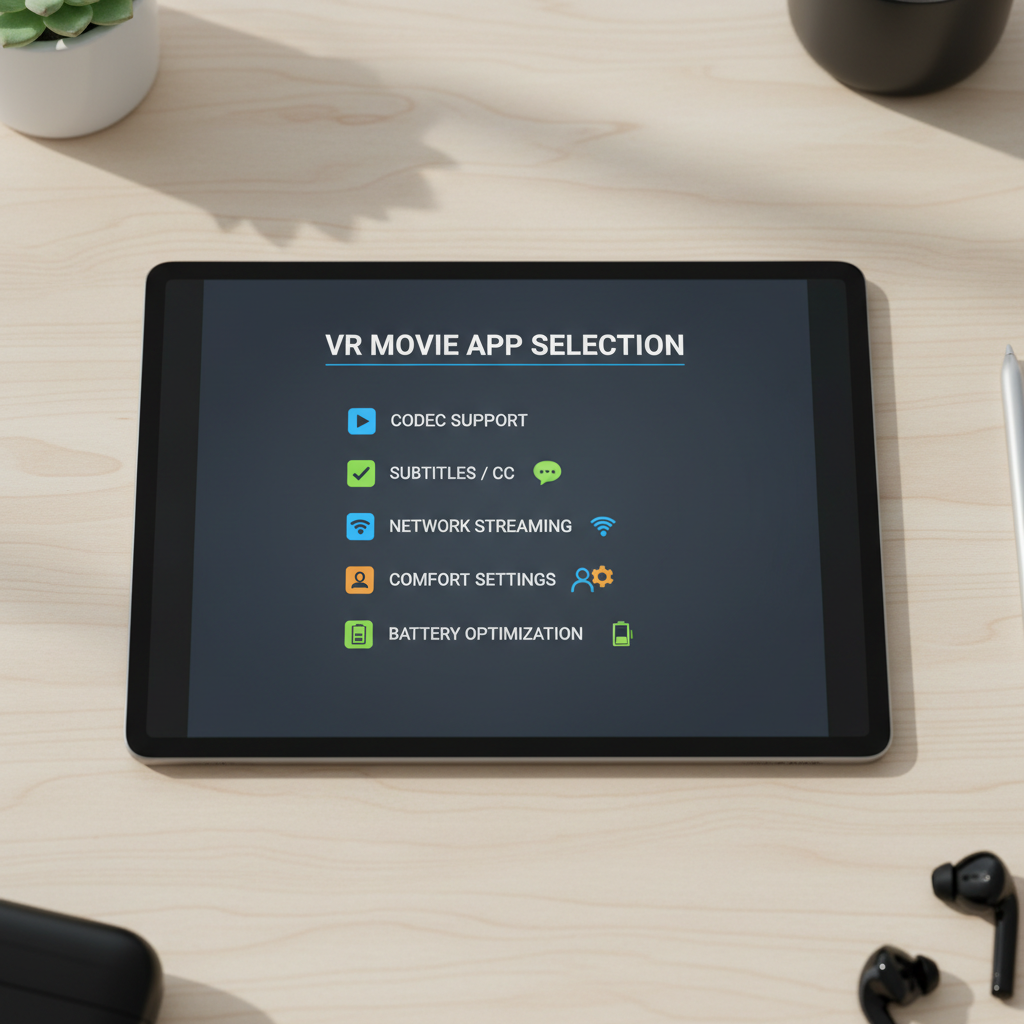
When it’s worth getting help (or changing your setup)
If your goal is “reliable movie nights,” sometimes the app isn’t the problem.
- Persistent buffering even on local files can point to headset storage speed issues or codec decoding limits for that specific device.
- Consistent Wi‑Fi drops often improve more from a router placement change, mesh tuning, or a dedicated access point than from switching apps.
- Headaches or nausea can happen for some users; consider shorter sessions, comfort settings, and professional guidance if symptoms keep returning.
Key takeaways and a simple recommendation path
If you’re picking the best vr movie apps 2026 for a typical US setup, start with your primary use case and keep the first week simple.
- You own files or a NAS library: start with a dedicated VR video player, then optimize codecs and subtitles.
- You mainly stream 2D services: choose a theater-style app or VR browser, and confirm service compatibility early.
- You want immersive shorts: use a curated platform first, then expand once you know what formats you enjoy.
If you want one action today, pick one app, run a three-test routine: a local file, a network stream, and a subtitle check. That tells you more than an hour of reading reviews.
FAQ
What are the best vr movie apps 2026 for Quest-style standalone headsets?
Many people do well with a dedicated VR video player for personal files plus a social theater app for “big screen” streaming. The right mix depends on whether you watch local files, network libraries, or web streams.
Why do movies look less sharp in VR than on my TV?
You’re effectively spreading pixels across a very large virtual screen, and immersive video needs higher bitrate to hold detail. Wrong projection settings and streaming compression also make clarity drop fast.
Can I watch Netflix, Hulu, or other major services inside a VR theater app?
Sometimes yes, sometimes not. DRM and platform rules can limit playback inside certain apps or VR browsers, so it’s smart to test your specific service before committing to a setup.
What’s the difference between 180 and 360 VR movies?
180 video focuses detail in front of you and often looks sharper, while 360 surrounds you but spreads resolution across the full sphere. If you care about image clarity, 180 content often feels more “cinematic.”
Do I need a PC to get good VR movie playback?
Not necessarily. Standalone headsets can play local files well, but a PC or NAS can make library management easier and enable higher-bitrate streaming in some setups, assuming your Wi‑Fi cooperates.
What file format is most reliable for VR video players?
MP4 and MKV are common containers, but reliability really hinges on the codec and encoding profile inside the file. If a file refuses to play smoothly, a re-encode to a more compatible profile often helps.
How do I reduce eye strain during long VR movies?
Lower brightness a bit, keep the virtual screen at a comfortable size, and take short breaks. If you regularly get headaches or nausea, consider reducing session length and consult a professional if symptoms persist.
If you’re trying to build a no-drama VR movie setup, it often helps to decide your primary use case first and then test two apps side by side for a weekend, one file player, one theater or browser, so you stop reinstalling and start watching.