
best vr education apps 2026 is a search that usually means one thing: you want VR that actually teaches, not a flashy demo that burns class time or your budget.
In practice, “best” depends on who’s learning, what you need to measure, and what headset you can realistically support. A middle-school science lab, a nursing program, and a corporate safety team each hit different limits fast: time-on-task, motion comfort, content alignment, and device management.
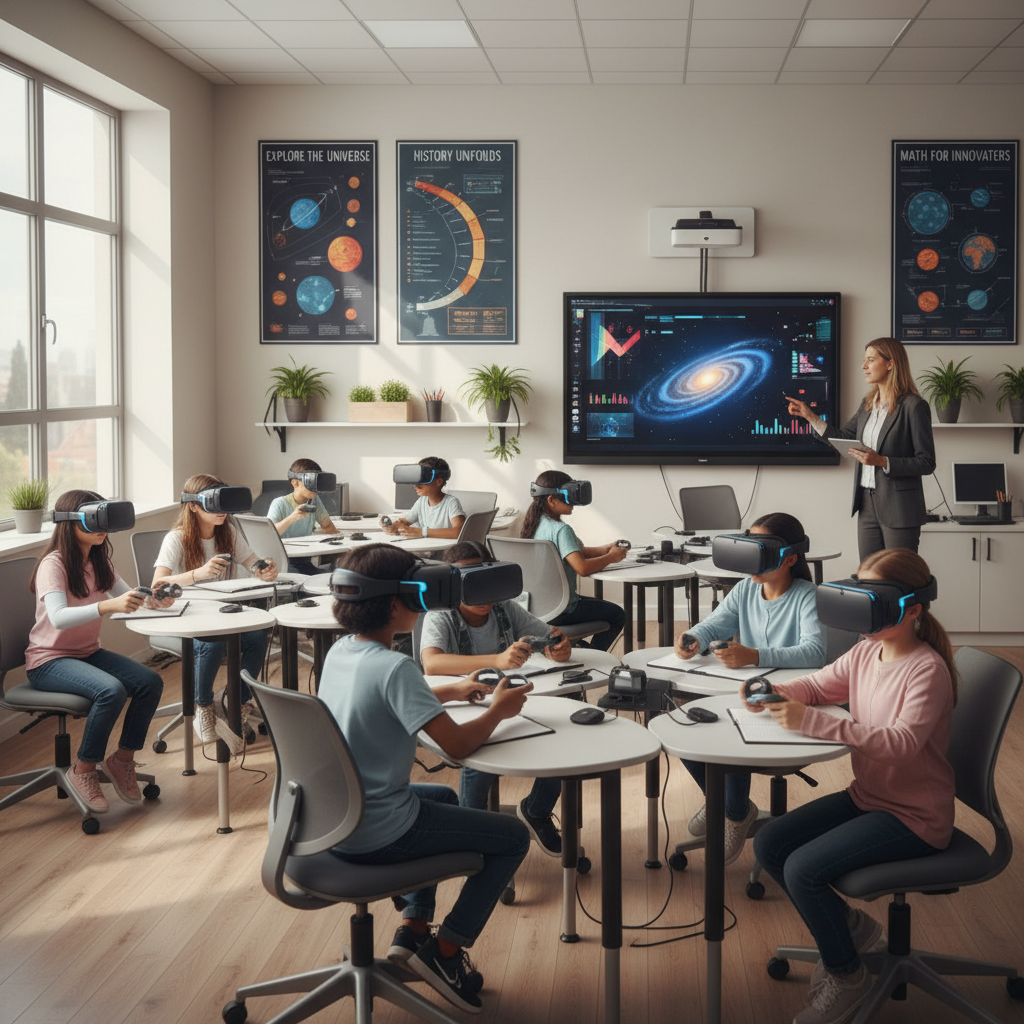
This guide stays practical: what to prioritize in 2026, a quick comparison table, how to self-check your needs, and a short “pilot plan” so you can decide with less guesswork.
What “best” looks like for VR learning in 2026
The best VR learning tools in 2026 tend to share a few traits: clear learning objectives, tight session design (usually 5–20 minutes), and admin controls that don’t make IT miserable.
According to UNESCO, immersive technologies can support learning when they are aligned to pedagogy and access considerations, not treated as a novelty. That’s a useful reminder because many VR rollouts fail for very non-technical reasons.
- Outcome-first design: skills, retention, or procedural accuracy, not “wow.”
- Comfort and accessibility: seated modes, vignette options, readable UI, captions where relevant.
- Manageability: kiosk mode, shared-device sign-in, content updates, privacy settings.
- Assessment hooks: checklists, scenario scoring, or at least exportable completion data.
Quick comparison: best VR education apps 2026 (by use case)
This table is intentionally “category-based,” because app availability shifts by headset, licensing, and district procurement rules. Use it to narrow your shortlist before you evaluate specific titles in your device’s app store.
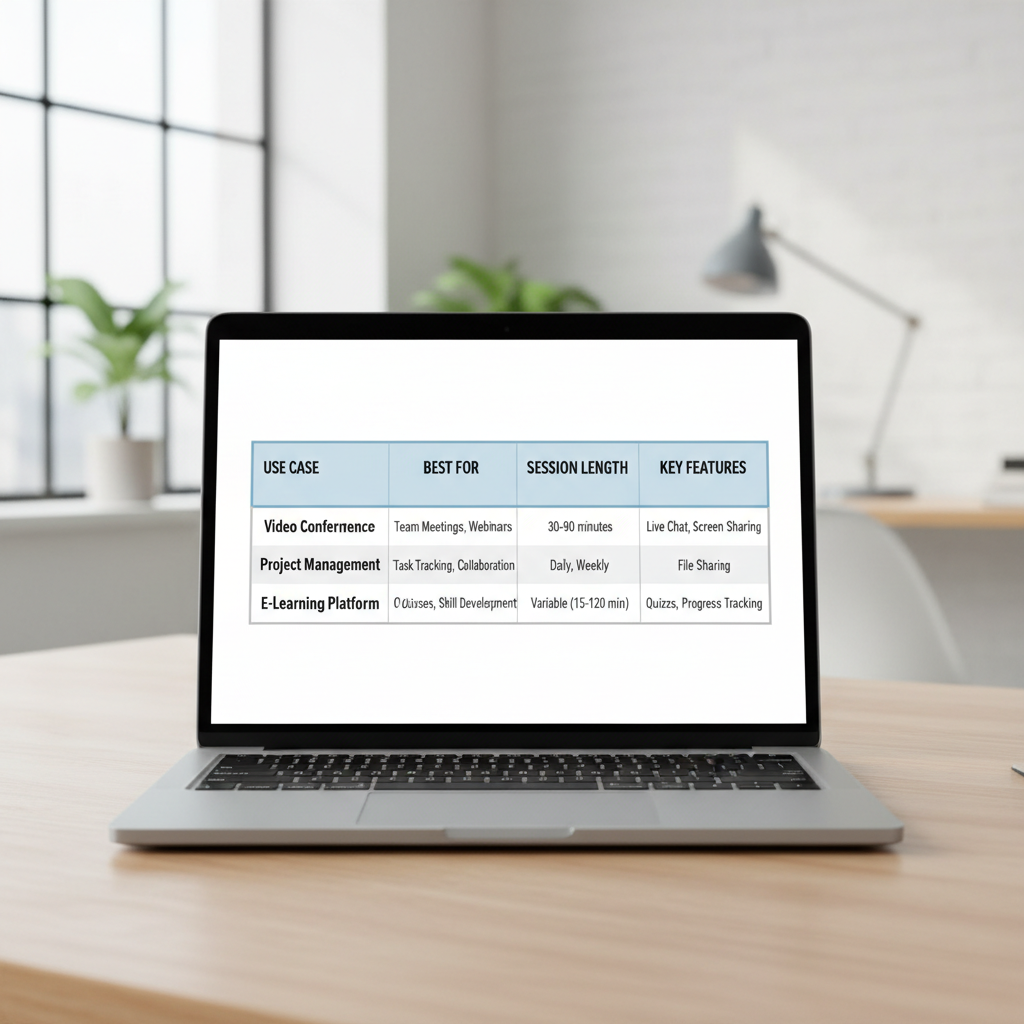
| Use case | Usually best for | Typical session | What to look for | Common pitfall |
|---|---|---|---|---|
| Virtual field trips (museums, space, ecosystems) | K–12 engagement + context building | 6–12 min | Teacher controls, guided mode, age-appropriate narration | Too much free roam, not enough structure |
| STEM labs (chemistry, physics, engineering) | Middle school–college | 10–20 min | Safe experiment loops, clear prompts, replayability | Sim feels “gamey,” learning objective gets fuzzy |
| Anatomy & medical visualization | High school advanced, college, allied health | 8–15 min | Layer controls, labels, quizzes, evidence-aligned content | Visual overload, poor labeling, no assessment |
| Career & technical training (welding, manufacturing, logistics) | CTE programs, workforce | 10–25 min | Step checks, error feedback, instructor dashboard | Licensing surprises, hardware setup friction |
| Soft skills (customer service, leadership, de-escalation) | Workforce + higher ed | 8–12 min | Branching dialogue, reflection prompts, coaching view | Scenarios feel scripted, low transfer to real work |
| Safety & hazard recognition | Construction, labs, facilities | 5–10 min | Realistic environments, repeat drills, trackable scoring | Missing site-specific context |
Key takeaway: Pick the category first, then test 2–3 apps that match your device, your learners’ age, and your assessment needs. That’s how teams usually land on the best VR education apps 2026 without drowning in options.
Top categories to consider (with practical picks criteria)
Rather than name a “top 20” list that may not match your headset or procurement rules, here are the categories that keep showing up in successful programs, plus the criteria that tends to separate a keeper from a one-week novelty.
1) Virtual field trips and guided explorations
Great when you need shared context quickly: history, geography, environmental science, even career awareness. The better apps make it easy to keep the group together and keep narration aligned to your lesson plan.
- Must-have: guided path or chapters, teacher pause/rewind, short scenes.
- Nice-to-have: embedded questions, vocabulary mode, multilingual support.
2) STEM simulations and virtual labs
Strong fit when real labs are expensive, dangerous, or simply unavailable every week. In 2026, many STEM sims are better at scaffolding: prompt, attempt, feedback, retry.
- Must-have: clear task steps, safe “reset,” repeatable trials.
- Watch for: physics that looks plausible but teaches the wrong concept.
3) Anatomy, biology, and health sciences
These can be excellent for spatial understanding, but only if labels, layering, and pacing are clean. If learners spend half the time hunting for controls, you lose the win.
- Must-have: layer toggles, search, quizzes or checkpoints.
- Accessibility: readable text sizes and contrast, seated option.
4) Workforce training (procedures, equipment, soft skills)
This is where VR can feel “worth it” quickly, especially for repeat practice. But licensing and device management matter more here than almost anywhere else.
- Must-have: instructor dashboard, performance scoring, multi-user admin tools.
- Procurement check: per-seat vs per-device pricing, offline availability.
Self-check: which VR app type fits your situation?
If you’re stuck choosing, it’s usually because you’re trying to satisfy too many goals with one app. Answer these quickly and you’ll narrow down what “best” means for you.
- Learner age and tolerance: Are they under 13, or new to VR? Favor guided, shorter experiences.
- Classroom flow: Do you have 10 minutes or 45? If it’s tight, you need instant resume and fast onboarding.
- Assessment needs: Do you need grades, completion, or skills checks? Look for scoring and exports.
- Device reality: Shared headsets or 1:1? Shared devices demand strong kiosk mode and quick user switching.
- Space constraints: Standing roomscale or seated only? Many schools do better seated by default.
- IT constraints: Can you push updates, manage accounts, and lock down content centrally?
If you can’t answer two of these, pause and solve that first. In many teams, the “best VR education apps 2026” shortlist becomes obvious once constraints are explicit.
How to evaluate an app in 30 minutes (a simple pilot script)
VR evaluation goes sideways when you only test the “cool part.” A short, repeatable script keeps you honest.
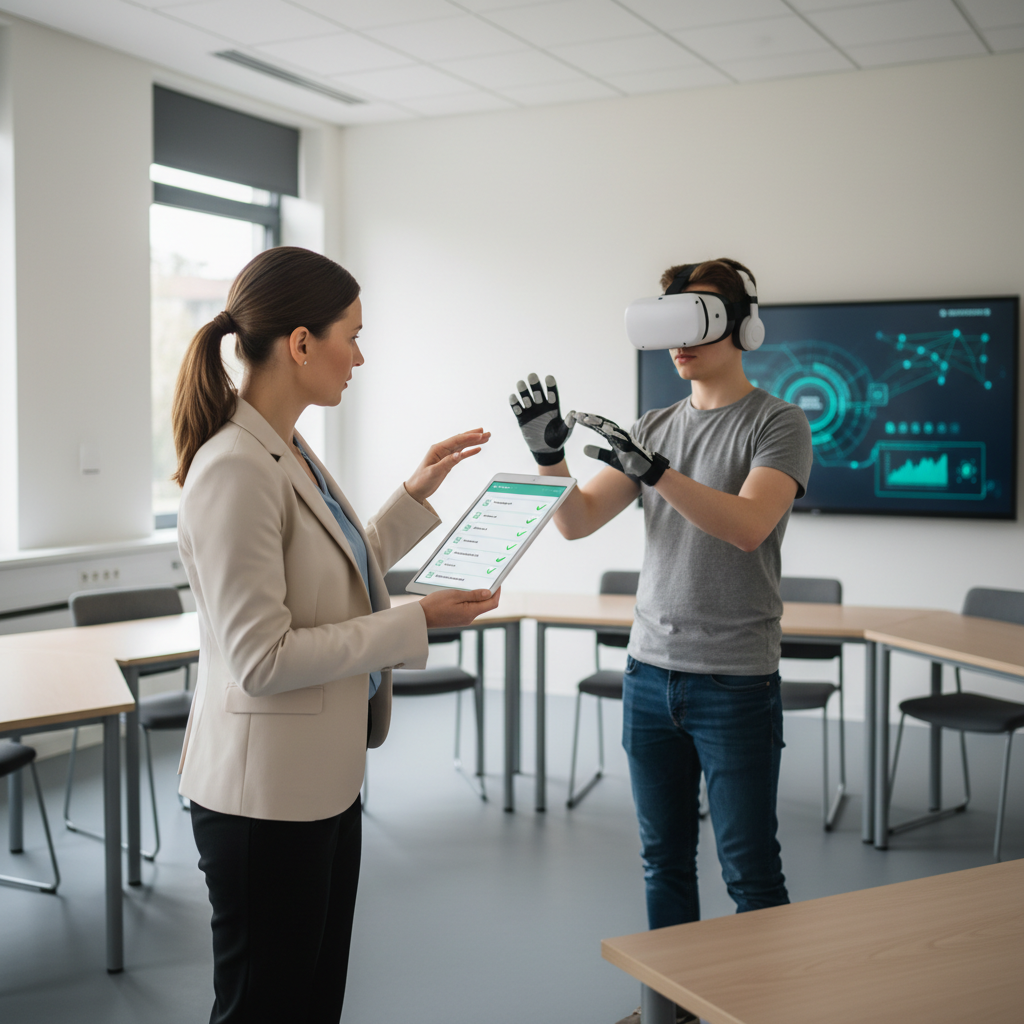
Step 1: Setup friction test (5 minutes). Start from a powered-off headset. Time how long it takes to launch the lesson and get to the first learning action. If it’s consistently slow, it won’t survive a real schedule.
Step 2: Comfort + clarity test (10 minutes). Run the first module and watch for tiny text, confusing controllers, forced locomotion, or anything that spikes discomfort. According to the American Academy of Ophthalmology, there is limited evidence on long-term effects of VR on children’s vision, and they recommend caution and moderation, which is a good baseline for school use.
Step 3: Learning check (10 minutes). Ask the learner to explain what they learned, then replay one part and see if performance improves. You’re looking for teachable feedback loops, not just exploration.
Step 4: Teacher/admin check (5 minutes). Can you pause, reset, skip, and keep students from wandering into unrelated content? If you can’t control the flow, classroom management becomes the hidden cost.
Implementation tips that usually matter more than the app
Most VR programs succeed or fail on logistics. The app matters, but the routine matters more.
- Use “VR stations,” not whole-class chaos: 2–6 headsets rotating often works better than everyone in VR at once.
- Build a 2-minute onboarding: fit, focus, straps, audio, how to recenter. Keep it scripted.
- Plan for hygiene: follow your institution policy, use wipeable facial interfaces, and allow drying time.
- Set comfort defaults: teleport movement, seated mode, short sessions, easy exit.
- Have a non-VR parallel task: worksheet, discussion prompts, or a mini-lab so time stays productive.
If you’re evaluating best VR education apps 2026 for a district or department, run a 2-week pilot with one unit, one grade level, and one measurable outcome. It keeps stakeholders aligned.
Common mistakes (and how to avoid them)
These are the traps that turn a promising purchase into a dusty cart in the closet.
- Buying before defining success: “engagement” is not a metric. Pick one outcome: quiz score lift, fewer safety errors, faster procedure completion.
- Ignoring content alignment: a gorgeous experience that misses your standards still creates friction with teachers.
- Underestimating device management: accounts, updates, and content locking can take more time than lesson planning.
- Overlong sessions: VR fatigue is real. Many groups do better with multiple short exposures.
- Skipping accessibility: motion sensitivity, glasses comfort, and audio needs show up immediately in real classrooms.
Conclusion: picking your “best” list for 2026
The best VR education apps 2026 are the ones that fit your constraints, teach one thing clearly, and stay manageable for instructors and IT. Start by choosing the right category, then run a short pilot with a simple script, and only then expand.
If you want a clean next step, pick one lesson objective for the next 30 days, shortlist 2–3 apps in that category, and test them with the same 30-minute evaluation. You’ll learn more than any ranking list can tell you.