
how to reduce motion sickness in vr usually comes down to one simple idea: stop your eyes and inner ear from “arguing” about how your body moves, and most people feel better pretty quickly.
If you’ve ever taken off a headset feeling sweaty, queasy, or oddly disoriented, you’re not alone, VR discomfort is common, and it often hits right when someone starts to enjoy the experience. The good news is you can reduce it with a few setting changes and some smarter habits, no heroic willpower required.
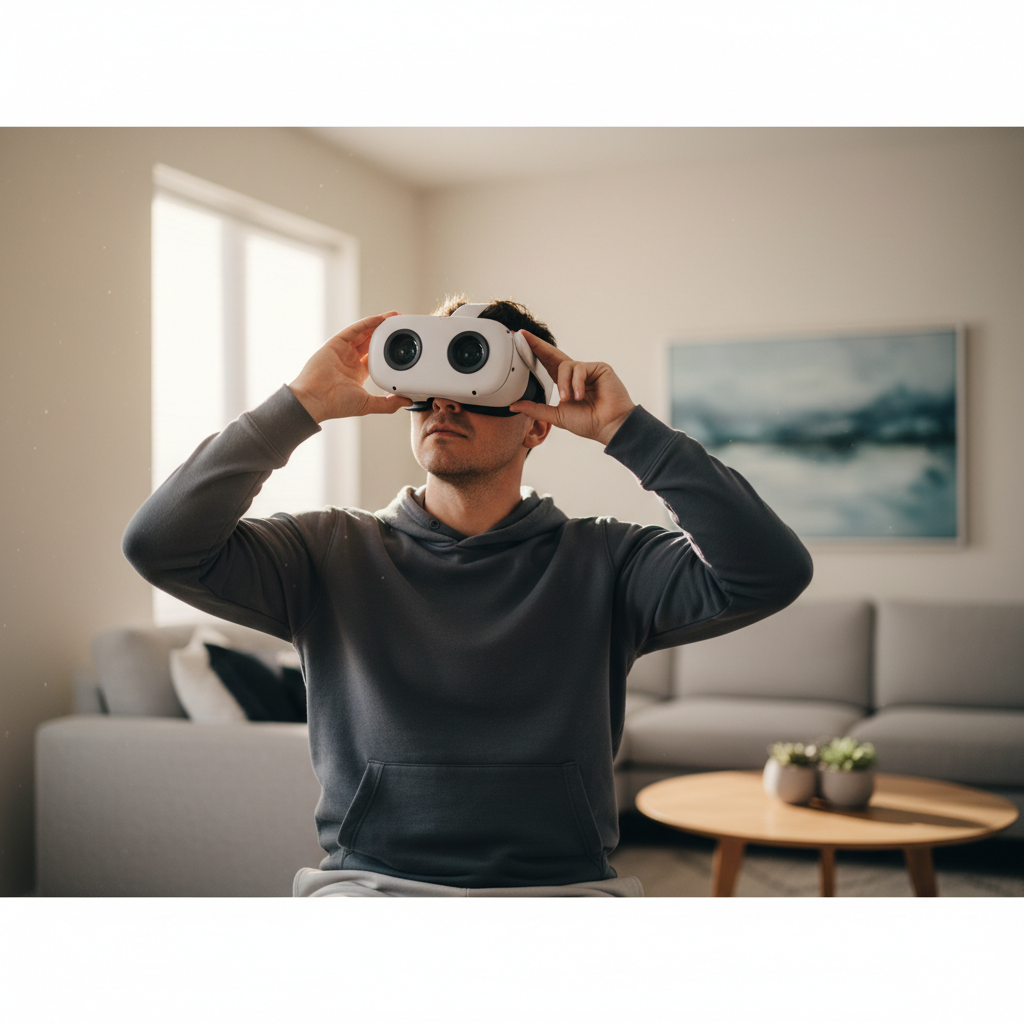
This guide focuses on what actually helps in real sessions: hardware fit, comfort settings, game choices, and training your “VR legs” without overdoing it. I’ll also flag the moments when it makes sense to stop and talk with a clinician, because pushing through isn’t always the smart play.
Why VR motion sickness happens (and why it varies so much)
Motion sickness in VR often shows up when your visual system says “we’re moving” but your vestibular system in the inner ear says “we’re not.” That sensory mismatch can trigger nausea, dizziness, headaches, eye strain, or lingering “floaty” feelings after you quit.
What makes it tricky is that two people can play the same game on the same headset and have totally different reactions. A few common contributors:
- Artificial locomotion (smooth walking with a thumbstick) tends to provoke symptoms more than teleport movement.
- Low or inconsistent frame rate and stutter can increase discomfort, especially in fast scenes.
- Latency (delay between head movement and image update) makes the world feel “draggy.”
- Optics and fit issues like wrong IPD, blurry focus, or headset pressure can add eye strain that people mistake for nausea.
- Content design, like forced camera motion, vehicle sections, or lots of acceleration and deceleration.
According to the American Academy of Ophthalmology, VR can cause symptoms such as eye strain, headaches, and nausea for some users, and they recommend taking breaks and stopping if symptoms occur.
Quick self-check: what kind of VR sickness are you dealing with?
Before you start changing everything, figure out what’s most likely driving your symptoms. This short checklist helps you pick the right fixes.
In-session symptoms
- Nausea that ramps up during smooth movement → locomotion mismatch is a likely culprit.
- Headache or eye ache first → fit, lens spacing, blur, brightness, or long focus demand may be the issue.
- Dizziness when turning → smooth turning or high turn speed might be too aggressive.
- Cold sweat and instant “nope” in vehicles/rollercoasters → high-intensity motion cues, consider avoiding while you build tolerance.
After-session symptoms
- “Still moving” feeling for 10–60 minutes → you probably pushed past your comfort threshold.
- Symptoms last hours → stop VR for the day and consider professional advice, especially if it repeats.
Headset fit and visual setup: fix this before you blame the game
If you’re searching how to reduce motion sickness in vr, start with the boring stuff: fit and clarity. A slightly blurry image or wrong lens spacing quietly taxes your eyes and can make nausea arrive earlier.
Do these quick adjustments
- Set IPD correctly (interpupillary distance), follow your headset’s guide, and re-check if multiple people share the device.
- Wear the headset higher than you think, many people set it too low, causing blur and pressure.
- Even out strap tension, too tight causes facial pressure and headaches, too loose increases wobble and blur.
- Clean lenses and remove smudges, haze makes your eyes work harder.
- Consider comfort accessories like a better facial interface or counterweight, especially for front-heavy headsets.
Small but real: if you wear glasses or inserts, check that frames don’t push the headset out of alignment, and confirm your view stays crisp at the center.
In-game comfort settings that usually make the biggest difference
Most modern VR games include comfort options, but many people never open that menu. If you feel sick, it’s not “cheating” to turn them on, it’s what they’re for.
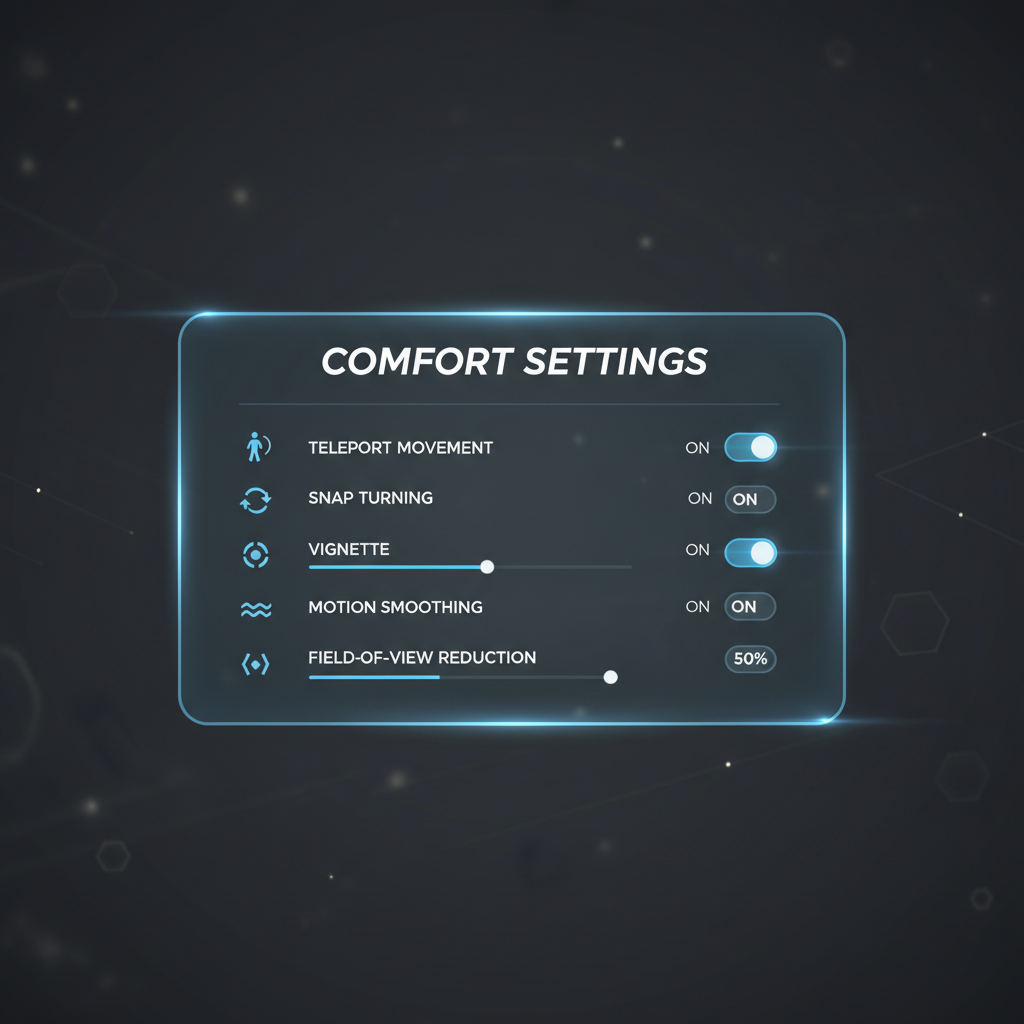
Settings to try first
- Teleport movement instead of smooth locomotion, especially early on.
- Snap turning (e.g., 30–45 degrees) instead of smooth turning.
- Vignette/tunneling during motion, reducing peripheral motion cues often helps.
- Lower movement speed and reduce acceleration if the game allows it.
- Keep the horizon stable, avoid “camera bob,” head tilt effects, or forced camera sway.
When you want smooth movement
If you strongly prefer smooth locomotion, many people do better with arm-swing locomotion or “walk-in-place” modes, because your body gets a motion cue that matches the visuals a bit more.
According to the U.S. Food and Drug Administration (FDA), VR systems may cause motion sickness and dizziness in some users, and users should stop if symptoms occur and take breaks. That’s basically a vote for comfort settings over toughing it out.
Performance matters: reduce lag, stutter, and overheating
In practical terms, performance problems feel like your brain can’t “trust” the world. Even if you can’t name the issue, your stomach notices.
PC VR checklist (common culprits)
- Lower render resolution a notch if you see dropped frames, smoother beats sharper when you’re sensitive.
- Disable heavy overlays or background recording tools, they can cause stutter.
- Use a stable connection, for wireless PC VR, reduce network congestion and keep line-of-sight to the router if possible.
- Watch thermals, laptops or small PCs that throttle can introduce sudden frame dips.
Standalone headset checklist
- Close background apps and reboot if performance feels “off.”
- Update system software and the app, some updates improve tracking and frame pacing.
- Keep lenses and external cameras clean, poor tracking can feel like world wobble.
If you can’t hold stable performance in a particular title, that title might not be your “training ground” yet.
Build your VR legs without making yourself miserable
For many people, tolerance improves with gradual exposure, but the pacing matters. The goal is to end sessions feeling “fine,” not to grind until you’re green.
A simple progression that often works
- Start with stationary experiences: puzzles, rhythm games, cockpit games with stable horizon.
- Move to gentle teleport and short sessions, 10–15 minutes.
- Add snap turning before you add smooth turning.
- Try smooth movement in short bursts, stop at the first hint of nausea.
A good rule is to quit when symptoms are mild, wait until you feel fully normal, then try again later. Pushing through tends to make the next session worse, not better.
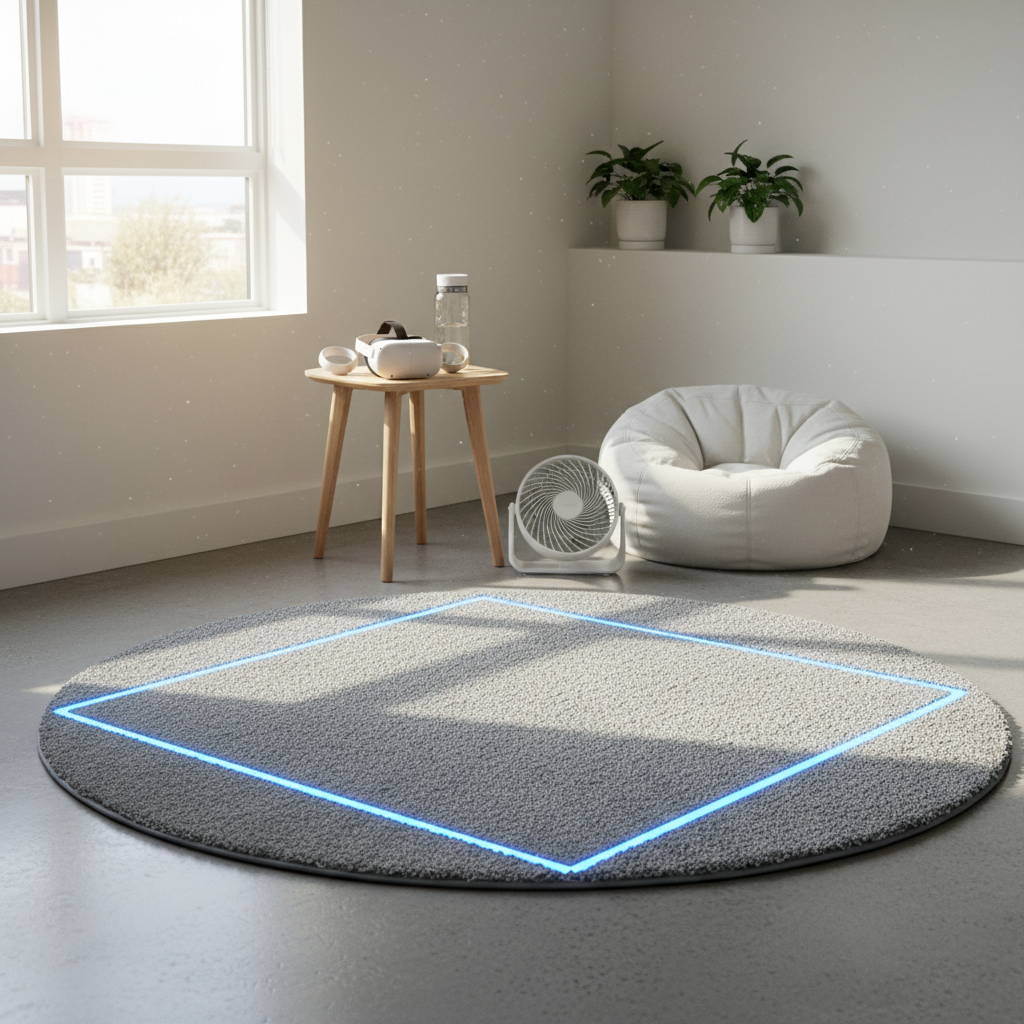
If you want an extra “anchor,” a small fan blowing toward you can help some users feel grounded, and it signals motion to your skin, results vary, but it’s low effort.
Practical tips you can use today (food, breaks, room setup)
These won’t override a badly tuned game, but they often extend comfortable play time.
- Play in a cool room, heat makes nausea easier to trigger.
- Take regular breaks, set a timer for 15–30 minutes while you’re building tolerance.
- Hydrate, dehydration can make headaches and dizziness more likely.
- Avoid heavy meals right before VR, but don’t play hungry either, steady is better than extremes.
- Use a stable stance, feet shoulder-width, slight knee bend, and keep a clear boundary to reduce surprise turns.
Some people try ginger or acupressure bands, they may help with general nausea for some users, but responses vary and they aren’t a substitute for fixing motion triggers. If you take medications or have health conditions, it’s worth checking with a pharmacist or clinician.
Troubleshooting table: symptom to likely cause to fix
If you only change one thing, change the thing tied to your main symptom.
| What you feel | Likely driver | What to try next |
|---|---|---|
| Nausea during walking | Sensory mismatch from smooth locomotion | Teleport, vignette, slower speed, shorter sessions |
| Dizzy during turns | Smooth turning / high turn rate | Snap turning, reduce turn speed, avoid forced camera turns |
| Headache or eye strain first | Blur, IPD mismatch, tight fit, brightness | Adjust IPD, refit straps, clean lenses, reduce brightness |
| Instant sickness in vehicles | High acceleration cues | Skip for now, use comfort mode, choose slower experiences |
| “Off” feeling after you stop | Overexposure past threshold | End earlier, longer breaks, avoid back-to-back intense games |
When to stop and consider professional advice
Most VR discomfort improves with better settings and pacing, but there are times to be conservative.
- Symptoms that last hours after stopping, especially if repeated.
- Fainting, severe vertigo, chest pain, or new neurological symptoms like weakness or speech changes, seek urgent medical care.
- Migraine disorders, vestibular disorders, concussion history, VR might still be possible, but a clinician can give safer boundaries.
- Kids who report persistent headaches or nausea, consider shorter sessions and talk with a pediatric clinician if it keeps happening.
According to the Centers for Disease Control and Prevention (CDC), dizziness and balance problems can increase fall risk, so if VR makes you unsteady, treat your play area like a safety issue, not just a comfort issue.
Key takeaways and a realistic next step
If you’re serious about how to reduce motion sickness in vr, treat it like a setup problem plus a pacing problem, not a personal flaw. Get the headset crystal clear, turn on comfort options without guilt, and keep sessions short until your tolerance catches up.
Your next step is simple: pick one comfortable game or mode, set teleport and snap turning, play 10–15 minutes, stop while you still feel okay, then repeat later. Consistency beats “one long session” almost every time.
FAQ
- How long does it take to build tolerance to VR motion sickness?
It varies a lot, some people adapt over a few short sessions, others need weeks of gradual exposure. If you feel worse over time, that’s a sign to reduce intensity and reassess settings. - Does higher FPS reduce VR nausea?
Often, yes. Stable frame pacing tends to matter as much as the headline FPS number, so aim for smooth, consistent performance rather than occasional spikes. - Is teleport movement always better than smooth locomotion?
For many users, teleport is easier on the stomach, especially early on. Once you’re comfortable, you can experiment with smooth movement in short bursts and with comfort features enabled. - Can I use dramamine or other motion sickness medicine for VR?
Some people do, but it’s not a one-size answer, and medications can cause drowsiness or interact with other meds. If you’re considering it, a pharmacist or clinician can help you choose safer options. - Why do I feel sick only in certain games?
Game locomotion, turning style, acceleration, camera effects, and performance all differ by title. The same headset can feel fine in a stationary rhythm game and rough in a fast shooter with smooth turning. - Do fans really help with VR motion sickness?
They can for some people, airflow provides a physical cue and can reduce overheating. It’s not guaranteed, but it’s cheap and easy to test. - What if I feel weird after VR even though I didn’t feel sick during it?
You may have crossed your personal threshold without noticing, or your eyes worked harder than you realized. Shorter sessions, better clarity, and more breaks typically help.
If you’re trying to make VR comfortable for a household or a team, it can be easier to standardize a “comfort preset” checklist, fit, IPD, teleport, snap turning, and performance checks, so each session starts on the right foot without a lot of tinkering.