
Best vr games for kids 2026 sounds simple, but most parents quickly run into the same issues: What’s actually age-appropriate, what makes kids nauseous, and what fits your headset without surprise purchases.
This guide narrows the choices to kid-friendly VR games and experiences that tend to work well in real homes, then shows you how to screen content, set comfort settings, and build a play routine that doesn’t end in tears or headaches.
One quick note before we get into recommendations, VR safety guidance can change by platform and by child, so treat age ratings as a starting point, not a guarantee. According to the American Academy of Ophthalmology (AAO), parents should monitor children’s screen use and watch for symptoms like eye strain or headaches, and it’s reasonable to be extra cautious with VR because it sits right on the face.
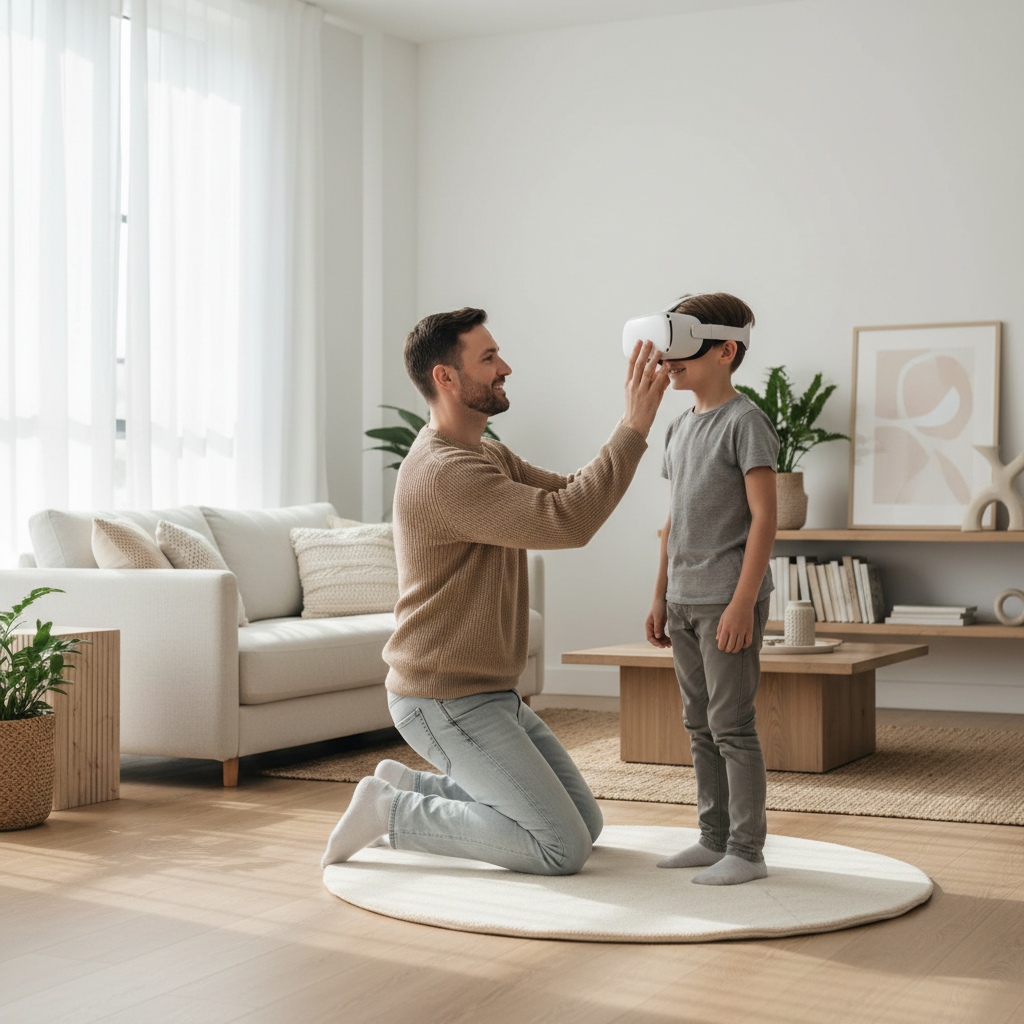
What “kid-friendly” VR really means in 2026
“Kids game” in VR often means one of three things, and mixing them up is where families get burned.
- Content-safe: no realistic violence, scary imagery, mature chat, or user-generated spaces that drift off-script.
- Comfort-safe: limited artificial movement, fewer sudden camera swings, and clear comfort options.
- Practical-safe: works in your play space, supports seated mode when needed, and doesn’t demand long sessions.
In practice, the best vr games for kids 2026 are usually “simple to start, easy to stop,” with short levels, clear boundaries, and settings you can lock down.
Quick comparison table: best VR picks by age, style, and comfort
Instead of a giant list, here’s a table you can use to shortlist. Availability can vary by headset and region, so treat this as a “what to look for” map, then confirm on your device store.
| Game / Experience type | Best for age | Motion comfort | Why kids like it | Parent watch-out |
|---|---|---|---|---|
| Rhythm / music (Beat-style games) | 10–13+ | High | Instant fun, short songs, good energy | Playlist/content filters, volume limits |
| Animal & nature exploration | 8–12 | High | Curiosity-driven, calm pacing | Watch for “jump scares” in some titles |
| Creative building / painting | 8–13 | High | Make things, show parents, replayable | Online galleries can introduce social exposure |
| Mini-golf / sports arcade | 9–13+ | High | Easy rules, family turns, “one more hole” | Multiplayer voice chat needs controls |
| Third-person platformers (toy-like worlds) | 8–12 | High | Feels like playing inside a cartoon | Some levels may be intense for younger kids |
| Puzzle rooms / escape-style | 10–13+ | Medium–High | Co-op thinking, satisfying “aha” moments | Timer pressure can frustrate some kids |
Top categories that usually work well (and what to pick inside them)
For most families, success comes from choosing the right category first, then picking a title with good comfort settings and clear age-appropriate themes.
1) Rhythm and dance games
These are often the easiest “yes” because kids stay in one spot, the camera stays stable, and sessions come in song-length chunks. Look for strong comfort options and adjustable difficulty so it stays fun instead of stressful.
- Good signs: stationary gameplay, clear hit feedback, no open voice chat by default.
- Skip if: music packs require frequent purchases or include content you don’t want to police.
2) Sports and mini-games (family turn-taking)
Mini-golf, bowling-style games, and arcade sports can be great “living room VR” because adults can take turns easily, and kids get a clear beginning and end. This is where many people find their best vr games for kids 2026, because it feels social without being online.
- Good signs: local play, quick matches, spectator-friendly view on TV casting.
- Watch-out: competitive multiplayer lobbies often bring unmoderated voice chat.
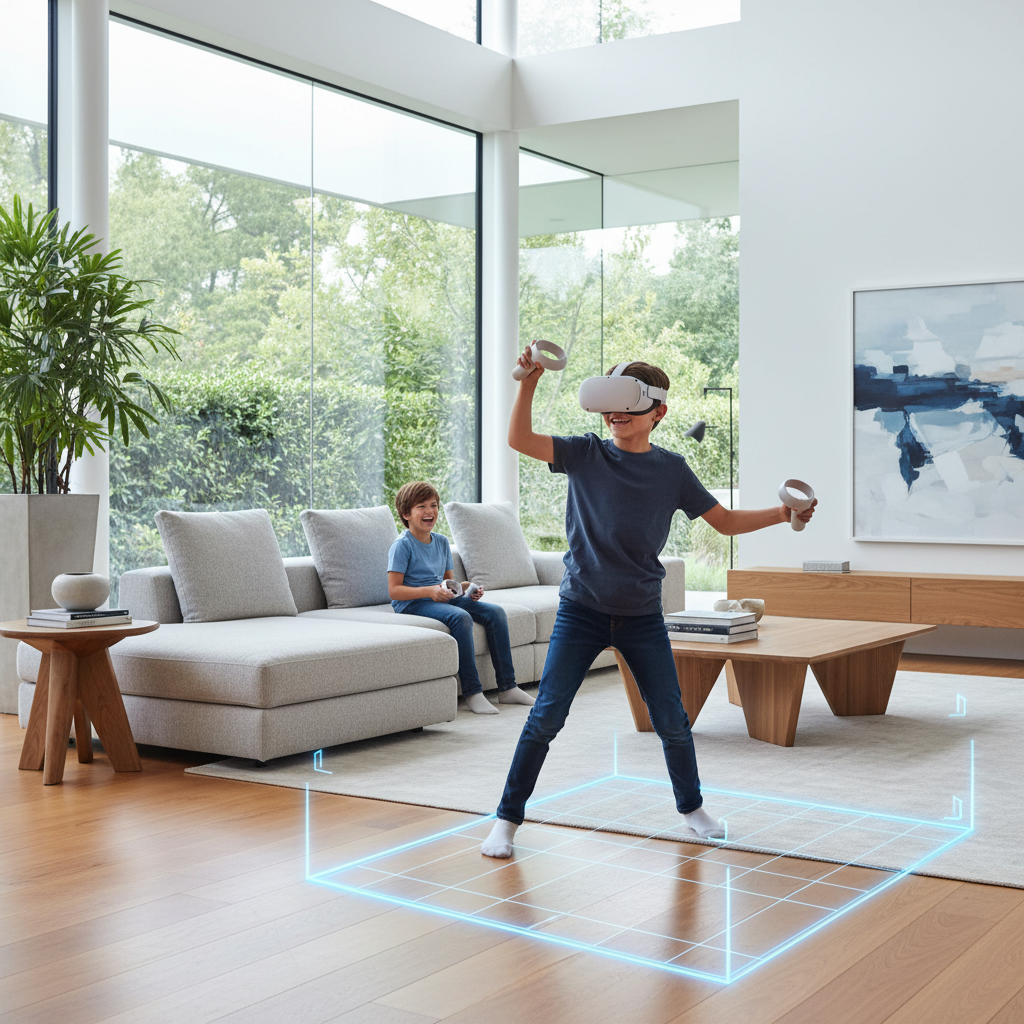
3) Creative sandbox and art tools
Painting and simple building experiences can be surprisingly “sticky” for kids who don’t care about high scores. If your child likes LEGO, crafts, or drawing, start here. Many of these tools also support short sessions naturally.
- Good signs: offline mode, easy save/export, minimal menus.
- Skip if: sharing features push kids toward public galleries or social spaces without parent controls.
4) Calm exploration and educational experiences
Museum-style apps, nature exploration, and guided tours can be a good fit for kids who get overstimulated. The best ones have clear narration, minimal jump cuts, and simple navigation that doesn’t rely on smooth locomotion.
- Good signs: teleport movement, seated mode, short chapters.
- Watch-out: some “educational” apps still include intense heights, underwater scenes, or sudden effects.
A parent’s self-check: is your kid (and your setup) ready for VR?
Before buying anything, run this quick checklist. If you hit multiple “no” answers, your best move might be delaying VR or switching to calmer experiences.
- My child can follow “stop immediately” rules, even when excited. (Yes/No)
- We can clear a safe play area, or we’re fine with seated-only play. (Yes/No)
- My child rarely gets carsick or motion sick. (Yes/No)
- We can supervise, at least for the first few sessions. (Yes/No)
- We can control purchases and online features at the account level. (Yes/No)
If motion sickness is already a concern, prioritize stationary rhythm, art, or third-person platformers with stable camera framing, and keep sessions short.
How to choose safely: comfort, content, and controls (step-by-step)
Picking the best vr games for kids 2026 is less about hype and more about configuration. Here’s a practical order that saves time.
Step 1: Start with comfort settings, not graphics
- Prefer teleport movement over smooth movement when possible.
- Turn on vignette/tunneling if offered, it can reduce discomfort for many players.
- Avoid games that require constant turning with the thumbstick, teach “turn your body” instead.
According to the American Academy of Pediatrics (AAP), parents should set clear media boundaries and prioritize safety and supervision; in VR that usually translates to shorter sessions and active monitoring for discomfort.
Step 2: Screen the content like you would a YouTube channel
- Read the store content descriptors, not just the age badge.
- Watch 3–5 minutes of gameplay video, focus on enemies, audio cues, and intensity.
- Check whether user-generated content or open social hubs exist.
Step 3: Lock down accounts and purchases
- Enable purchase authentication (PIN/password) and remove saved payment methods if needed.
- Disable or restrict voice chat and friend requests for kid accounts.
- Keep casting on when you can, it changes behavior fast because you can actually see what’s happening.
Step 4: Set a “VR routine” that prevents problems
- Time: start with 10–15 minutes, then reassess.
- Breaks: water break between games, especially for active rhythm titles.
- Stop signals: agree on a word or tap to pause instantly.

Common mistakes that make “kid VR” go sideways
A lot of frustration comes from totally predictable choices. These are the big ones I see parents repeat.
- Buying the most popular shooter and hoping “they’ll just play the safe mode.” Usually the safe mode disappears once friends join.
- Starting with smooth locomotion because “they play console games.” VR nausea is a different beast.
- Letting sessions run long because the child seems fine, then symptoms show up later.
- Assuming age ratings equal supervision, especially in social or user-generated environments.
If you want a smoother experience, start boring. Stationary, short, predictable. Once comfort and rules are solid, then branch out.
When to pause VR or ask a professional
If your child repeatedly gets headaches, nausea, dizziness, or complains of blurred vision during or after VR, it’s smart to stop and consider talking with a pediatrician or eye care professional. Some kids also get anxious or disoriented in headsets, and pushing through rarely helps.
Also consider extra caution if your child has a history of seizures, balance disorders, or significant sensory sensitivities, because VR can be intense. Platform manuals and in-headset safety warnings are worth reading, even if you normally skip that stuff.
Key takeaways (so you can decide today)
- Choose category first: rhythm, mini-games, creative tools, and calm exploration tend to be the safest starting points.
- Comfort beats hype: teleport movement and short sessions reduce problems for many kids.
- Control the social layer: the biggest “mature content” surprises often come from voice chat or user-generated spaces.
- Supervise early: the first week is where habits form, good and bad.
If you’re building a short list of best vr games for kids 2026, pick two comfortable “starter” titles, run them for a week with clear rules, then add variety once you know how your child reacts.
FAQ
What are the best VR games for kids 2026 if my child gets motion sick?
Look for stationary rhythm games, creative art/building apps, and third-person platformers with a stable camera. Avoid smooth movement and fast camera turns until your child proves comfortable.
How long should kids play VR per session?
Many families start around 10–15 minutes and adjust based on comfort and behavior. If you see headaches, nausea, or irritability, shorten sessions and consider calmer content.
Are “educational” VR apps always safe for kids?
Not automatically. Some include intense heights, scary animals, or sudden effects. Preview a few minutes of gameplay and prioritize experiences with guided pacing and simple navigation.
Should I allow multiplayer or voice chat in kids’ VR games?
Often it’s better to disable voice chat at first, then reassess. If you do allow it, use platform-level parental controls and stick to games with strong moderation and private lobbies.
What features should I look for before buying a kid-friendly VR game?
Comfort options like teleport movement, seated mode, and vignette settings help a lot. Also check for offline play, clear content descriptors, and whether user-generated content exists.
Do I need a big room for VR with kids?
No, but you need a safe space. Many games work seated or standing in place; room-scale is optional for beginners. Clear the area and use the headset boundary system consistently.
How do I avoid surprise purchases in VR games?
Enable purchase authentication, remove saved cards if needed, and prefer titles that don’t heavily push add-ons. If a game sells music packs or cosmetics, set expectations up front.
A light next step (if you want it simpler)
If you’re trying to narrow down the best vr games for kids 2026 for your specific headset and your child’s age, it can help to share what device you use, whether you allow online play, and what kinds of games your kid already enjoys. With that, you can build a short “starter pack” that’s comfortable, content-safe, and easier to supervise.